CertLeaf
How to Send Certificates by Email Automatically After an Event
A practical guide for event teams, colleges, workshops, and training institutes that need to generate certificates in bulk, email them to participants, and reduce manual certificate work.
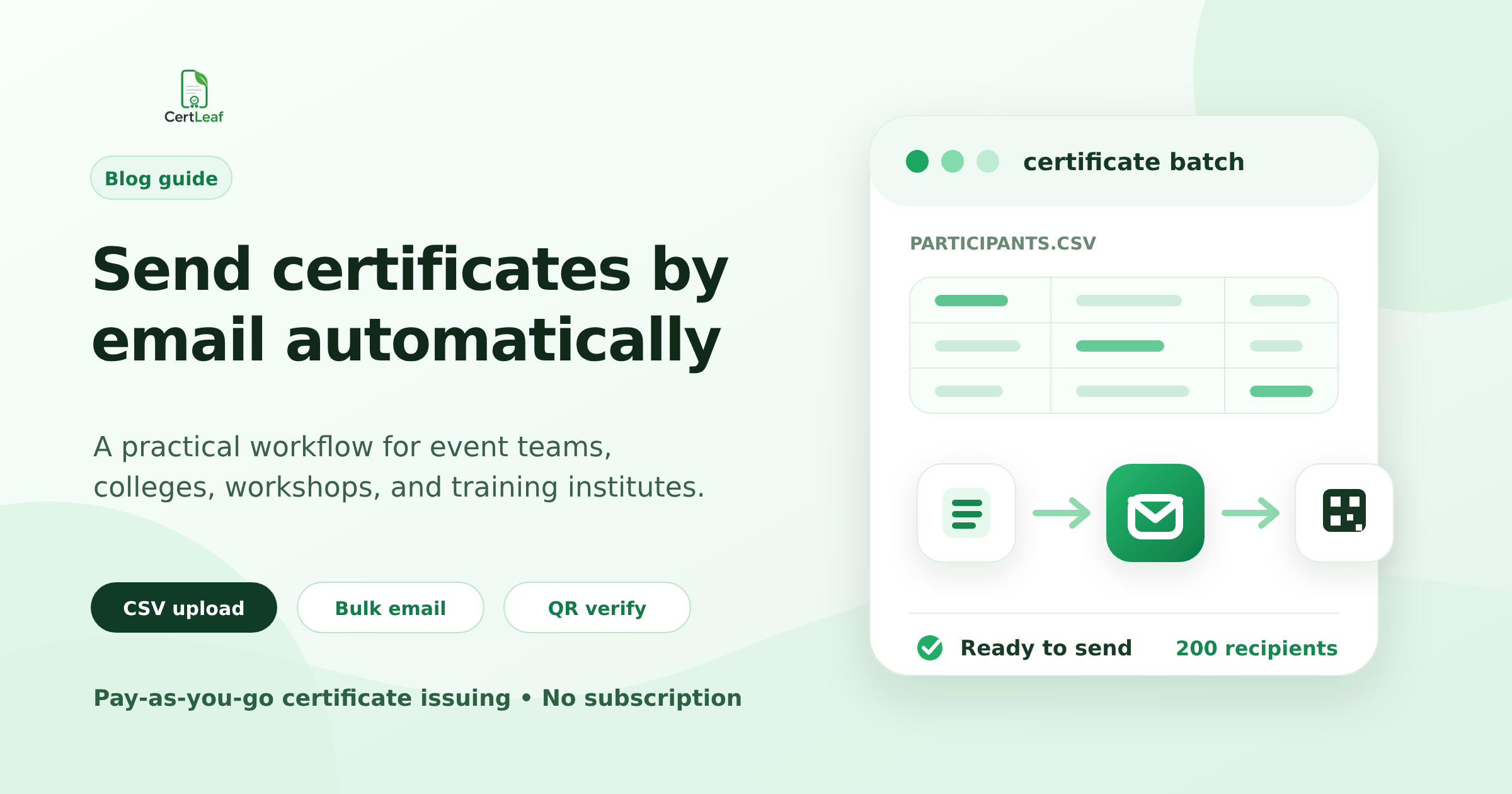
The most tiring part of an event is often not the event.
It is the certificate work after it.
The session is over. The speakers have left. The team is already thinking about the next program. But someone still has to open the participant spreadsheet, generate certificates, attach the right PDF to the right email, and reply to people asking, “When will I get my certificate?”
For a small event, manual emailing feels manageable.
For 200 participants, it becomes a mistake factory.
This guide is for college clubs, workshop organizers, training institutes, coaching centers, and course teams that want to send certificates by email automatically instead of handling the same repetitive admin work every time.
CertLeaf is built for this exact workflow: upload a certificate design, create a reusable template, import participant data from CSV, generate certificates in bulk, and send them by email. If needed, each certificate can also include QR verification so anyone can check whether it is genuine.
What “automatic certificate emailing” should actually mean
A lot of people search for certificate email automation and expect one button that magically fixes everything.
In practice, a good workflow has a few clear steps:
| Step | What happens | Why it matters |
|---|---|---|
| 1. Prepare the certificate design | Use your event, workshop, course, or institute certificate layout | The certificate still looks like your brand or institution |
| 2. Add dynamic fields | Mark where name, date, course title, certificate ID, and QR code should appear | You avoid editing each certificate manually |
| 3. Upload participant data | Import names, emails, and other fields from a CSV file | One spreadsheet becomes the source of truth |
| 4. Generate certificates in bulk | Create all certificates from the same template | No copy-paste work for every participant |
| 5. Send certificates by email | Email the correct certificate to each recipient | Participants receive their own PDF without manual attachments |
| 6. Keep verification available | Add a QR code or verification page when needed | Colleges, employers, or organizers can check authenticity later |
That is the difference between using a normal design tool and using a certificate issuing tool.
Design tools help you create a nice certificate.
Certificate issuing tools help you send 50, 500, or 5,000 of them without losing your evening.
When manual certificate emailing starts breaking
Manual emailing is fine until the list grows.
Usually the breaking point comes earlier than teams expect. It is not just the number of certificates. It is the number of tiny checks needed for each one.
| Participant count | Manual workflow reality | Better approach |
|---|---|---|
| 1â20 | Possible, but still boring | Manual can work if it is a one-time activity |
| 20â100 | Easy to make attachment or spelling mistakes | Use a template and CSV-based generation |
| 100â500 | Emailing one by one becomes painful | Bulk generate and email certificates automatically |
| 500+ | Manual tracking becomes unreliable | Use a proper certificate platform with verification and records |
The painful part is not opening Gmail or attaching a PDF once. The painful part is doing it again and again while checking:
Is this the right certificate for this participant?
Did the name come from the correct row?
Is the email address correct?
Did we already send this person a certificate?
Did we accidentally miss someone?
Can this certificate be verified later?
If your team has ever had a participant message you saying, “I received someone else’s certificate,” you already know why this matters.
The simplest CSV format for bulk certificate emails
You do not need a complicated database to start.
For most events and workshops, a spreadsheet is enough. The key is to keep the columns clean and predictable before uploading.
Here is a practical CSV structure:
| Column name | Example | Required? | Notes |
|---|---|---|---|
| name | Ananya Sharma | Yes | Use the final spelling you want on the certificate |
| ananya@example.com | Yes | This is where the certificate will be sent | |
| event_name | AI Tools Workshop | Usually | Useful if one template is reused across events |
| date | 12 July 2026 | Usually | Keep date formatting consistent |
| organizer | Coding Club, ABC College | Optional | Helpful for college clubs and departments |
| role | Participant | Optional | Can be Participant, Winner, Volunteer, Speaker, etc. |
| certificate_id | CC-2026-001 | Optional | Useful for tracking and verification |
A small tip: clean your sheet before uploading it.
Remove test rows. Check blank emails. Fix obvious name casing. Decide whether you want “Dr. R. Kumar” or “R Kumar” before generating certificates, not after.
Automation saves time, but it should not become a faster way to send messy data.
Which certificate fields should be automated?
Not every part of a certificate needs to change. In fact, most of it should stay fixed.
Your logo, background design, signatures, title, and layout are usually the same for every recipient. The changing parts are the ones that should come from the CSV.
| Field | Should it be dynamic? | Why |
|---|---|---|
| Recipient name | Yes | Every certificate needs a different name |
| Email address | Yes | Needed for delivery, not usually printed |
| Event/workshop/course title | Sometimes | Useful when reusing one template for multiple programs |
| Date or duration | Sometimes | Depends on whether each batch has the same date |
| Certificate ID | Yes, if tracking matters | Helps with records and verification |
| QR code | Yes, for verifiable certificates | Each certificate should verify to its own page |
| Signature | Usually no | Usually fixed for the issuing organization |
| Logo and branding | No | Keep it part of the base design |
This is where teams often overcomplicate the setup. You do not need to automate everything. You only need to automate the fields that change from participant to participant.
A practical workflow for sending certificates after an event
Here is the workflow I would recommend for most small teams.
1. Finalize the participant list first
Do not start generating certificates from a half-cleaned list.
Export your final list from your registration form, attendance sheet, LMS, or feedback form. Remove duplicates. Make sure people who did not attend are not accidentally included if your certificate is attendance-based.
If you collect feedback before sending certificates, add a column that marks whether the participant is eligible.
2. Create one reusable certificate template
Design the certificate once. Then turn it into a reusable issuing template.
In CertLeaf, the usual flow is:
upload the base certificate design
place the dynamic fields where they should appear
add the recipient name field
add other fields like date, course, or certificate ID
add QR verification if you want verifiable certificates
save the template for future batches
This is useful because many organizers run the same type of event again and again. A college club may run five workshops in a semester. A training institute may issue certificates every week. Rebuilding the certificate from scratch every time is unnecessary.
3. Upload the CSV and review the data
Before issuing, check that the CSV columns match your template fields.
A simple review step prevents the most embarrassing errors: blank names, wrong email columns, or certificate IDs mapped into the wrong place.
4. Generate certificates in bulk
Once the template and CSV are ready, the platform can generate certificates for the whole batch.
This is where the time saving becomes obvious. The job is no longer “make 300 certificates.” The job is “prepare the template and upload the sheet correctly.”
That is a much better use of the organizer’s time.
5. Email certificates to participants
After generation, send certificates directly to the recipients by email.
For participants, this feels normal: they receive their certificate in their inbox. For the organizer, it avoids the old workflow of downloading PDFs, renaming files, attaching them manually, and hoping nothing gets mixed up.
6. Keep a record for corrections
Someone will still ask for a correction.
That is not a failure. Names have spelling variations. Participants mistype emails. Teams make eligibility changes.
The important thing is to have a record of what was issued, to whom, and when. That makes corrections manageable instead of chaotic.
Manual emailing vs automatic certificate emailing
Here is the honest comparison.
| Task | Manual certificate emailing | Automatic certificate emailing with CertLeaf |
|---|---|---|
| Create certificate design | Use Canva, PowerPoint, Figma, or any design tool | Use your existing base design |
| Add participant names | Copy and paste one by one | Map name field from CSV |
| Export PDFs | Export each file manually or use a workaround | Generate certificates in bulk |
| Attach certificates | Attach each PDF to each email manually | Send certificates to listed recipients |
| Avoid mix-ups | Depends on careful manual checking | Reduces attachment and recipient mismatch errors |
| Verify certificates | Usually not available | Add QR verification when needed |
| Reuse for future events | Often repeated from scratch | Save reusable templates |
| Pricing fit | âFreeâ but costs team time | Pay-as-you-go credits, no subscription |
Manual tools are not bad. Canva is good for design. Google Sheets is good for data. Gmail is good for email.
The problem is stitching them together for certificate issuing. That is where the manual work piles up.
Use cases where email automation helps most
Automatic certificate emailing is useful whenever the certificate is not a one-off document.
| Use case | Typical certificate need | Long-tail search intent |
|---|---|---|
| College club events | Participation certificates for students | send event certificates by email |
| Workshops | Workshop completion or participation certificates | send workshop certificates by email |
| Training institutes | Course completion certificates | bulk email course certificates |
| Coaching centers | Attendance or achievement certificates | email certificates to students |
| Competitions | Winner, finalist, participation certificates | bulk certificate generator for competitions |
| Webinars | Attendee certificates after feedback | automated webinar certificate email |
| Short-term courses | Completion certificates for batches | certificate generator with email delivery |
If the same certificate format is going to many people, automation is worth considering.
Should every certificate include QR verification?
Not always.
For a small internal activity, a simple PDF certificate may be enough. But QR verification becomes useful when the certificate may be shown outside the original event context.
Examples:
a student adds it to LinkedIn
a participant includes it in a college submission
a training candidate shares it with an employer
a winner uses it as proof in another application
an institute wants to reduce fake or edited certificates
A QR-verifiable certificate gives each certificate a public verification route. Instead of trusting a PDF screenshot, someone can scan the QR code and check the certificate details.
CertLeaf supports both simple certificates and verifiable QR certificates. Simple certificates use fewer credits. Verifiable certificates use more credits because they include the verification layer.
Cost planning for certificate email batches
One reason many small teams avoid certificate platforms is subscription pricing. It feels wrong to pay every month when you may only run events occasionally.
CertLeaf uses pay-as-you-go credits instead.
| Certificate type | Credit usage | Best for |
|---|---|---|
| Simple certificate | 1 credit | Internal events, low-stakes participation certificates |
| Verifiable QR certificate | 2 credits | Workshops, training programs, college certificates, competitions |
New users get 20 free credits to test the workflow. CertLeaf also has INR pricing and Razorpay checkout for India-first teams.
The practical way to think about it:
If you are issuing 50 simple certificates, plan for 50 credits.
If you are issuing 50 QR-verifiable certificates, plan for 100 credits.
If you are testing the platform, use the free credits before buying a pack.
No subscription is the important part. You should not need a monthly plan just because your college club runs two events a semester.
Email wording you can use for certificate delivery
Here is a simple certificate email format organizers can adapt.
Subject: Your certificate for [Event Name]
Body:
Hi [Name],
Thank you for participating in [Event Name]. Your certificate is attached to this email.
If your certificate includes a QR code, you can scan it to verify the certificate details online.
Regards, [Organizer Name]
Keep it short. Participants are not looking for a newsletter. They want the certificate, the context, and a way to verify it if needed.
Pre-send checklist
Before sending certificates to a full batch, run through this checklist.
| Check | Why it matters |
|---|---|
| Participant names are final | Prevents correction requests after sending |
| Email column is clean | Avoids failed or wrong delivery |
| Template fields are mapped correctly | Prevents wrong data appearing on certificates |
| Certificate date and title are correct | These errors are easy to miss in bulk |
| QR verification is enabled if required | Cannot be treated as an afterthought for verifiable certificates |
| Test certificate looks correct | One preview can catch layout and spacing issues |
| Team agrees on sender/message | Avoids confusing participants with multiple emails |
The best time to catch mistakes is before the batch is sent.
Why CertLeaf fits this workflow
CertLeaf is not trying to replace every design tool or become a full LMS.
The product is focused on one job: helping teams issue, distribute, verify, and manage digital certificates without manual certificate admin.
For certificate email automation, that means:
upload your certificate design
create reusable templates
bulk issue certificates from CSV
send certificates by email
add QR verification when needed
buy credits only when you need them
That last point matters for colleges, clubs, and training teams with uneven schedules. Some months have three events. Some months have none. A subscription does not fit that pattern very well.
Related certificate workflows
If a recipient cannot find the message, use a controlled certificate resend workflow.
Before sending, prepare a clean certificate recipient CSV.
For budget planning, see certificate pricing without a subscription.
FAQs
How do I send certificates in bulk by email?
Use a certificate platform that supports CSV upload and email delivery. Prepare your participant spreadsheet with names and email addresses, map the fields to your certificate template, generate certificates in bulk, and send them to recipients from the platform.
Can I send PDF certificates automatically?
Yes. With CertLeaf, certificates are generated from your template and participant data, then sent to recipients by email. This avoids manually exporting and attaching each PDF.
Can I use my own certificate design?
Yes. You can use your own base certificate design and place dynamic fields on top of it, such as recipient name, event title, date, certificate ID, and QR code.
Do I need QR verification for every certificate?
No. Simple certificates are fine for some internal or low-stakes use cases. QR verification is better when participants may share the certificate publicly or when the organizer wants a way to check authenticity later.
Is this useful for college events?
Yes. College clubs and departments often run workshops, competitions, seminars, and short programs with large participant lists. Bulk certificate generation and email delivery can save the team hours after each event.
Is there a subscription?
No. CertLeaf uses pay-as-you-go credits. You can buy credits when you need them and issue certificates without committing to a monthly subscription.
Final thought
Certificate emailing should not become the hidden cost of running a good event.
If your team is still generating PDFs manually and attaching them one by one, the issue is not effort. It is the workflow.
Create the template once. Keep the participant sheet clean. Generate certificates in bulk. Send them by email. Add QR verification when the certificate needs to be trusted later.
That is the whole point of CertLeaf.
Start with the free credits, test one small batch, and see whether it removes the part of certificate work your team least wants to do.