CertLeaf
CertLeaf vs Canva, Certifier, Certopus, and Accredible: Which Certificate Tool Should You Use?
A practical comparison of certificate tools for teams that need bulk generation, email delivery, QR verification, and pricing that works for events, workshops, colleges, and training institutes.
If you only need one certificate design, almost any design tool will do.
The real question starts after that.
You have 120 participants. Or 500. You need names placed correctly, PDFs generated, emails sent, and maybe a QR code so the certificate can be verified later. At that point, the problem is no longer "make a certificate." It is issue certificates without creating admin chaos.
Here is a practical comparison of CertLeaf, Canva, Certifier, Certopus, Accredible, and the old spreadsheet-plus-email workflow.
Pricing and features change, so treat this as a decision guide, not a permanent pricing sheet. The competitor details below are based on publicly available pages reviewed in July 2026.
Quick comparison table
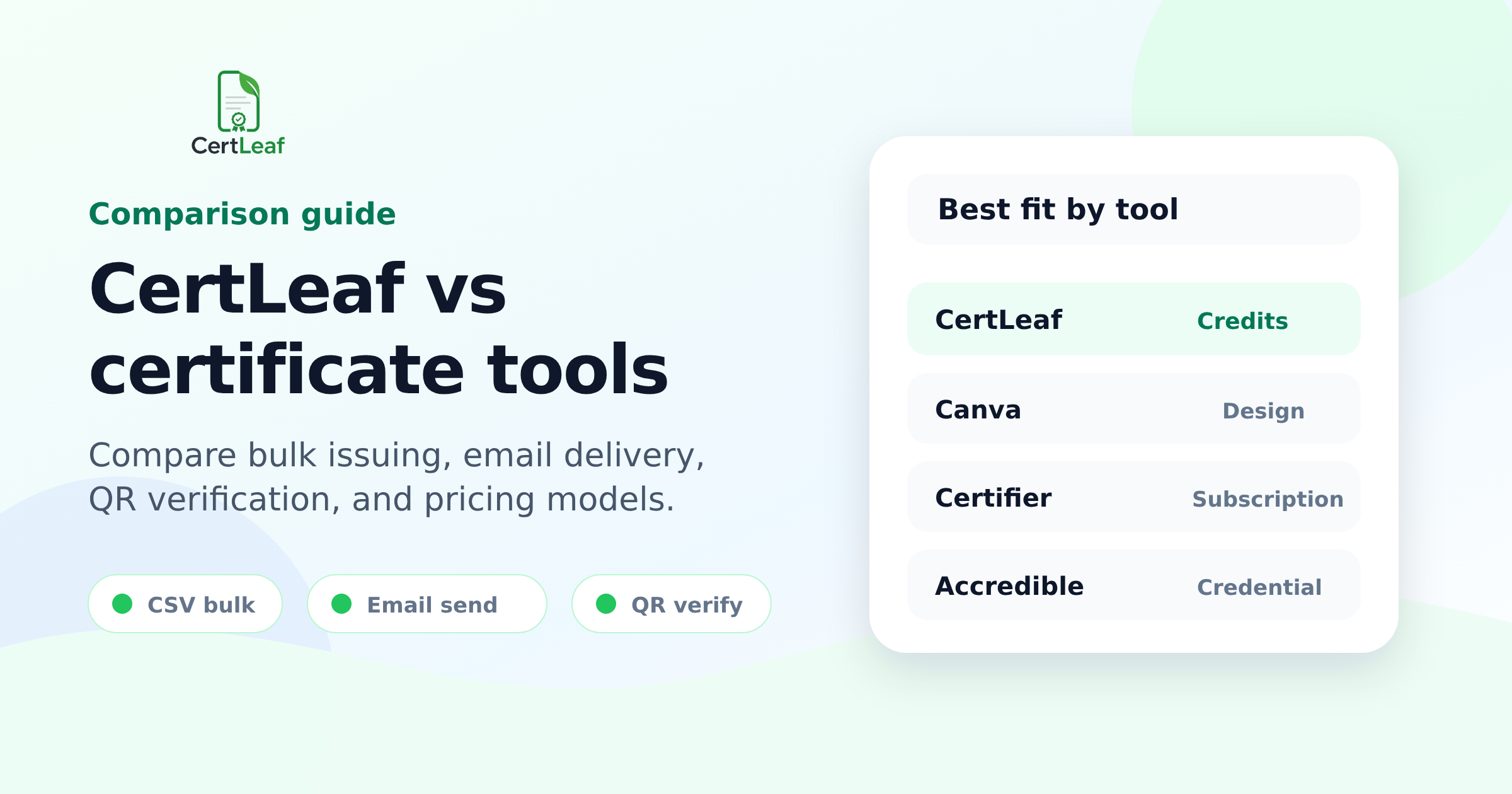
| Tool | Best fit | Bulk generation | Email delivery | QR / verification | Pricing style | Main catch |
|---|---|---|---|---|---|---|
| CertLeaf | Events, workshops, colleges, training institutes, course teams | Yes | Yes | Yes, with QR-verifiable certificates | Pay-as-you-go credits, no subscription | Newer product; fewer enterprise extras |
| Canva | Designing attractive certificate layouts | Limited / design-first | No built-in certificate issuing workflow | No certificate verification workflow | Freemium / subscription for design features | Great for design, weak for issuing and verification |
| Certifier | Digital credentials, branded certificate and badge programs | Yes | Yes | Yes, including QR verification on paid plans | Subscription plans | Can be more than small event teams need |
| Certopus | Digital credential programs with wallets, bulk upload, and advanced credential features | Yes | Yes | Yes, dynamic QR and credential verification features | Subscription plans, free tier available | More credential-platform oriented than simple event issuing |
| Accredible | Larger credential programs, professional certifications, recipient-based credentialing | Yes | Yes | Yes, digital credential verification | Recipient-based annual contracts/plans | Strong platform, but often heavier than a college event or small workshop needs |
| Google Sheets + Gmail | One-off manual sending by a small team | Manual | Manual | No built-in verification | Free tools, paid with time | Slow, error-prone, hard to track |
If you are choosing fast
| Situation | Choose this kind of tool |
|---|---|
| You mainly need a beautiful certificate design | Canva |
| You need to issue 50-1,000 event or workshop certificates without a subscription | CertLeaf |
| You need reusable templates, CSV upload, email sending, and QR verification | CertLeaf, Certifier, or Certopus |
| You need a mature credentialing platform with advanced branding, analytics, roles, or enterprise support | Certifier, Certopus, or Accredible |
| You issue certificates only once a year and do not want a monthly plan | CertLeaf or a manual workflow, depending on volume |
| You need proof that a certificate is genuine | Avoid plain PDF-only workflows; use QR or hosted verification |
Cost model comparison
| Tool | Public pricing signal | What it means for small teams |
|---|---|---|
| CertLeaf | Credit packs; simple certificates use 1 credit, QR-verifiable certificates use 2 credits; 20 free signup credits; no subscription | Good when you issue certificates in bursts after events, workshops, or courses |
| Certifier | Public subscription plans, including paid tiers with mass issuing, delivery, branded email, analytics, and QR verification | Good if certificate issuing is a recurring operation and you need broader credential features |
| Certopus | Free tier plus paid subscription plans; public page lists Standard and Professional annual-billed monthly pricing | Useful if you want a credential platform with wallets, bulk upload, dynamic QR, and broader credential management |
| Accredible | Pricing starts at a monthly amount with a 12-month term and is based on unique recipients per year | Better fit when credentials are part of a serious ongoing program, not just occasional event certificates |
| Canva | Freemium design tool with many certificate templates, some Pro templates/features | Good for design; the certificate sending and verification work remains outside Canva |
| Manual workflow | No software cost if you already use Sheets, PDF export, and email | Looks free until someone spends hours naming files, attaching PDFs, and fixing mistakes |
The honest difference: design tools vs issuing tools
A certificate has two jobs.
First, it has to look decent. The certificate should carry your event name, institution name, signatures, date, and recipient name without looking like a rushed screenshot.
Second, it has to be issued correctly.
That second job is where many teams get stuck. Canva is good at the first job. It gives you a large library of certificate templates and an easy editor. If the task is "make one attractive certificate," Canva is a sensible choice.
But if the task is "send 300 certificates to 300 people and make sure each person gets the correct PDF," a design tool is not enough by itself.
You still need to:
pull names from a spreadsheet
generate one certificate per recipient
export PDFs
name files correctly
send emails
track corrections
verify certificates later, if authenticity matters
That is why CertLeaf exists. It is not trying to replace every design tool. It is trying to remove the painful issuing workflow after the design is ready.
CertLeaf vs Canva
| Comparison point | CertLeaf | Canva |
|---|---|---|
| Primary job | Issue, send, verify, and manage certificates | Design certificates and other graphics |
| Bulk CSV issuing | Yes | Not the main workflow |
| Certificate email delivery | Yes | Not built as a certificate issuing flow |
| QR-verifiable certificates | Yes | No dedicated certificate verification workflow |
| Best for | Events, workshops, colleges, training institutes, course teams | Designing templates, posters, certificates, and visual assets |
| Pricing fit | Pay-as-you-go credits for certificate bursts | Design subscription / freemium model |
Canva is often the first place people go because it is familiar. That is fair. It has good templates, and most teams already know how to use it.
The problem starts when the certificate work becomes repetitive. Opening a design, editing one name, exporting a PDF, and sending one email is fine once. Doing it 200 times is where mistakes creep in.
Use Canva if design is the main problem.
Use CertLeaf if issuing is the main problem.
A practical workflow can even use both: design a certificate background in Canva, then upload that design to CertLeaf as the base template and let CertLeaf handle the bulk issuing, email delivery, and QR verification.
CertLeaf vs Certifier
| Comparison point | CertLeaf | Certifier |
|---|---|---|
| Bulk certificate generation | Yes | Yes |
| Mass email delivery | Yes | Yes |
| QR verification | Yes for verifiable certificates | Yes, listed in paid plan features |
| Pricing style | Pay-as-you-go credits, no subscription | Subscription plans with feature tiers |
| Best fit | Teams that issue certificates in batches and do not want a monthly plan | Organizations running recurring credential programs with richer branding, analytics, and integrations |
| Product weight | Focused certificate issuing | Broader certificate and badge credentialing platform |
Certifier is a capable product. Its public pages list certificate and badge generation, mass issuing and delivery, PDF exports, verifiable credentials, QR code verification, analytics, custom email sender options, integrations, and enterprise features.
That is useful if credentialing is a regular part of your business.
But many CertLeaf customers are not running a full credentialing department. They are running a college fest, a coding workshop, a training batch, a webinar series, or a short course. They need a clean way to issue certificates now, not another monthly tool they have to justify later.
That is where CertLeaf's position is different: buy credits, issue certificates, and come back when the next batch is ready.
CertLeaf vs Certopus
| Comparison point | CertLeaf | Certopus |
|---|---|---|
| Bulk upload | Yes, CSV-based issuing | Yes, bulk upload via sheets is listed publicly |
| Email delivery | Yes | Yes, mass personalized emails are listed publicly |
| QR / verification | QR-verifiable certificates | Dynamic QR and credential verification features are listed publicly |
| Pricing style | Pay-as-you-go credits | Free tier plus subscription plans |
| Best fit | Simple, affordable event/course certificate issuing | Credential programs that may need wallets, pathways, branded verification, APIs, and advanced credential features |
Certopus is closer to Certifier than to Canva. It is a credential platform, not just a design tool. Its public pricing page lists bulk upload, mass personalized emails, custom variables, dynamic QR, credential wallet features, and advanced verification/security items.
That can be valuable for serious credential programs.
The question is whether you need all of that right now.
If you are a training company issuing credentials every week, a subscription platform may make sense. If you are a college department issuing 180 workshop certificates twice a semester, pay-as-you-go may feel more natural.
CertLeaf is built around that second use case.
CertLeaf vs Accredible
| Comparison point | CertLeaf | Accredible |
|---|---|---|
| Main audience | Event teams, colleges, workshops, training institutes, course creators | Larger digital credentialing programs and professional credential issuers |
| Pricing model | Credit packs per certificate type | Priced by unique recipients per year; public page mentions annual terms |
| Credential depth | Practical certificates with optional QR verification | Digital credential platform with certificates, badges, pathways, branding, wallet cards, analytics, and enterprise options |
| Best fit | Teams that want to issue and email certificates without subscription overhead | Organizations where credentials are central to program growth and learner/professional recognition |
Accredible is strong when credentialing is a strategic program. Their public pricing page talks about unique recipients per year, unlimited credentials per recipient, blockchain credentials, pathways, wallet cards, integrations, branding, customer success, and enterprise support.
That is a different buying context from a college club trying to send certificates after a one-day workshop.
If your certificate program is part of a large education, certification, or association strategy, Accredible may be worth evaluating.
If you mainly need to generate, email, and verify certificates after events or courses, CertLeaf is intentionally simpler.
CertLeaf vs Google Sheets, PDF editors, and Gmail
| Comparison point | CertLeaf | Manual workflow |
|---|---|---|
| Setup | Create a template and upload recipient data | Create design, duplicate/edit/export files manually |
| Bulk generation | Built for it | Depends on scripts, add-ons, or manual repetition |
| Email delivery | Built into the issuing flow | Attach and send manually, or set up separate mail merge tooling |
| Verification | QR verification available | Usually none |
| Error risk | Lower if CSV data is clean | Higher: wrong attachment, missed recipients, file naming errors |
| Best for | Repeatable certificate batches | Very small one-off batches |
Manual workflows are not stupid. They are just fragile.
For 10 certificates, using a spreadsheet, a PDF editor, and Gmail may be fine. You probably do not need a platform for that.
For 100 certificates, the hidden cost appears. Someone has to sit there and do careful, repetitive work. The work is not hard, which makes it even worse. It is boring enough to create mistakes but important enough that mistakes are embarrassing.
That is the worst kind of admin task.
When CertLeaf is the better choice
CertLeaf is a good fit when these statements sound familiar:
We issue certificates after events, workshops, training batches, or courses.
We have recipient data in a spreadsheet or CSV.
We want to send certificates by email without attaching PDFs one by one.
We want QR verification, but we do not want an enterprise credentialing setup.
We prefer paying for certificate credits instead of starting a monthly subscription.
We are in India or comfortable with INR/Razorpay-style checkout.
We want something simple enough for a college club, department, coaching center, or small training institute to use.
CertLeaf's current pricing is built around credits. A simple certificate uses 1 credit. A QR-verifiable certificate uses 2 credits. New signups get 20 free credits, and early users currently have access to a 50% offer until 31 July 2026.
That makes it easier to test the workflow with a real batch before committing more money.
When a competitor may be the better choice
This is not one of those fake comparison pages where the answer is always "choose us."
Use another tool if it fits better.
| Need | Better fit |
|---|---|
| You only care about designing one certificate | Canva |
| You need deep credential analytics, multiple workspaces, custom domains, advanced branding, and integrations | Certifier, Certopus, or Accredible |
| You run a large certification program with annual recipient planning | Accredible or another mature credentialing platform |
| You need enterprise procurement, SSO, custom SLAs, and dedicated account management | Larger credentialing platforms |
| You issue fewer than 10 certificates once and never again | Manual may be enough |
The product decision should match the job.
CertLeaf is not trying to be a full LMS, enterprise credentialing suite, or design marketplace. The boundary is deliberate: issue certificates in bulk, send them, and let people verify them.
Feature checklist for choosing any certificate platform
Before choosing a certificate generator, ask these questions:
| Question | Why it matters |
|---|---|
| Can I upload recipient data by CSV or spreadsheet? | Manual name entry does not scale |
| Can I preview certificates before issuing? | You need to catch spelling and layout mistakes early |
| Can the platform email each certificate to the correct recipient? | Bulk generation without delivery still leaves work unfinished |
| Can certificates be verified later? | Plain PDFs are easy to forward, edit, or fake |
| Do I pay monthly, annually, per recipient, or per certificate credit? | Pricing model matters when certificates are issued in batches |
| Can I reuse templates? | Reusable templates save time for recurring events |
| Is it simple enough for the actual organizer to use? | Feature-rich tools fail if the team avoids using them |
| Does it support my local payment and budget context? | Especially important for Indian colleges, clubs, and small institutes |
A simple decision rule
If your main problem is certificate design, start with Canva.
If your main problem is certificate issuing, use a certificate issuing tool.
If your main problem is large-scale credential program management, evaluate platforms like Certifier, Certopus, and Accredible.
If your main problem is bulk event certificates without a subscription, CertLeaf is built for that exact gap.
Create the certificate once. Upload the CSV. Generate the batch. Send certificates by email. Add QR verification when it matters.
That is the work CertLeaf is trying to make boring.
Sources reviewed
Certifier pricing and feature pages, including public plan details for mass issuing, delivery, branded emails, QR code verification, analytics, integrations, and enterprise features.
Certopus pricing page, including public plan details for bulk upload, mass personalized emails, dynamic QR, credential wallets, branded verification, APIs, and credential management.
Accredible pricing page, including public recipient-based pricing, annual term language, certificates and badges, blockchain credentials, pathways, wallet cards, branding, analytics, and enterprise options.
Canva certificate templates page, including its large certificate template library and design-first certificate creation positioning.
CertLeaf product and pricing information: bulk CSV issuing, email distribution, QR-verifiable certificates, reusable templates, pay-as-you-go credits, 20 free signup credits, and current early-user offer.
Related certificate workflows
For a practical issuing example, review the end-to-end event participant certificate workflow.
You can also see how bulk certificate email delivery works.
When comparing costs, compare CertLeaf's pay-as-you-go pricing.