CertLeaf
How College Clubs Can Issue Fest Certificates in Bulk
A practical way for college clubs to generate, email, and verify participation certificates after a fest without manually editing PDFs.
The certificate work starts when the fest is already over
The event went well. The photos are up. Participants have started asking for certificates.
That is usually when a college club discovers that its certificate process is still a spreadsheet, a Canva file, and one person exporting PDFs late at night. It works for 20 people. It becomes a mess at 200.
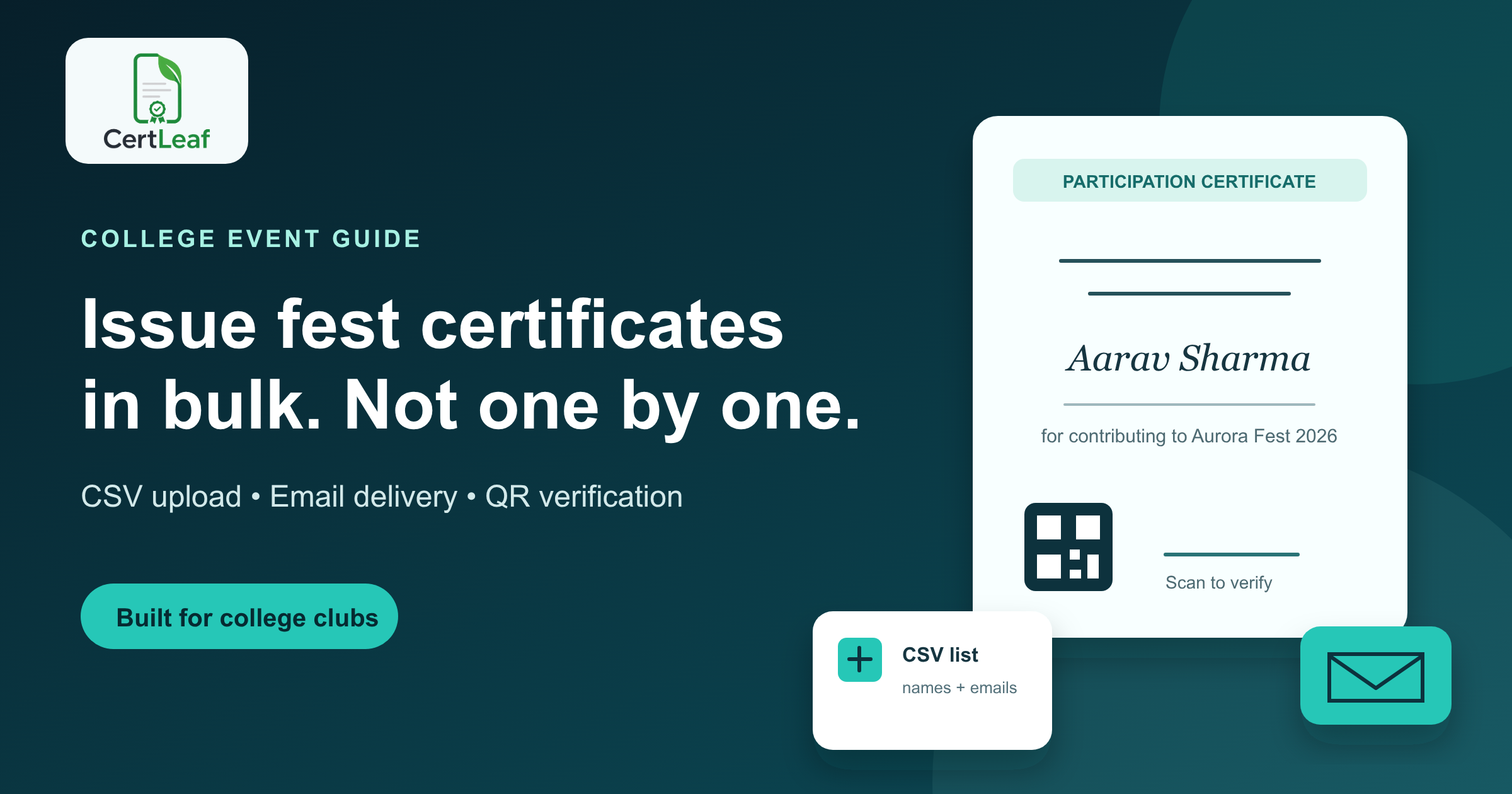
A better approach is simple: make one approved certificate template, prepare one clean participant list, issue the batch, and email the certificates from the same workflow. If the certificate needs to carry more weight than a decorative PDF, add QR verification too.
This guide is for student clubs, fest teams, departments, and organising committees that need to send participation, volunteer, speaker, winner, or coordinator certificates after a college event.
Why the usual method breaks during a college fest
Most clubs do not begin with a bad plan. They begin with whatever is available: a designer makes a certificate, the registrations team shares a Google Sheet, and someone promises to fill names in later.
The weak points show up at the end:
Names use different spellings across registration forms, attendance sheets, and spreadsheets.
Roles change. A participant becomes a volunteer; a speaker needs a different certificate.
One person has to export and attach dozens or hundreds of files.
Participants cannot tell whether a forwarded PDF is genuine.
Corrections turn into a second round of manual work.
The problem is not certificate design. Canva is fine for design. The painful part is issuing and distributing a large batch accurately.
A practical bulk certificate workflow for college clubs
Keep the workflow deliberately boring. The fewer last-minute decisions, the fewer names you need to fix later.
1. Decide which certificate types you actually need
Do not put every person on one generic certificate if the event has clearly different roles. Common categories include:
Participation certificates
Volunteer certificates
Speaker or judge certificates
Winner and runner-up certificates
Organising committee certificates
You can use separate templates, or separate batches, for each category. What matters is that the wording and signatory details are approved before issuance starts.
2. Lock the design before collecting the final list
Use a base design that has room for the recipient name, event name, date, role, signatures, and any other changing details. Have the faculty coordinator or relevant signatory approve it once.
This is worth doing early. A visual change after 300 certificates have been issued is not a design task anymore; it is a reissue task.
With CertLeaf, you upload the base design and place the dynamic fields on a reusable template. The template can then be used again for the next edition of the fest, a workshop, or a club activity.
3. Make the participant CSV boringly clean
A CSV is just a spreadsheet saved in a format that bulk tools can read. For most fest certificates, start with these columns:
nameemailevent_nameroledate
If every certificate is for the same event, you may only need name and email; fixed details can stay in the template. If names need titles, preferred spellings, or college names, add those columns before you start.
Before uploading, ask one person to check the list for blank emails, duplicate rows, and inconsistent capitalization. It is not glamorous work, but it prevents the most embarrassing mistakes.
4. Generate the batch from the template
Once the list is ready, use the template and CSV to issue certificates in bulk. This replaces the slow loop of copying names into a design, exporting one PDF, renaming it, and doing it again.
CertLeaf is built for this part of the job: create the template once, upload recipient data by CSV, and generate the certificate batch. It is a better fit than a design tool when your real task is issuing certificates, not making a single attractive file.
5. Send certificates by email, then handle exceptions separately
Email delivery should be part of the issue workflow, not a manual afterthought. Participants receive their certificates without an organiser downloading and attaching files one by one.
There will still be exceptions: a bounced email, a late attendee, a name correction. That is normal. The point of bulk issuing is not that nobody ever asks for a correction. It is that corrections do not force you to redo the entire batch.
6. Add QR verification when the certificate will be shared outside the event
For an informal club activity, a normal participation certificate may be enough. For competitions, major fests, training sessions, or volunteer records, verification is more useful.
A QR-verifiable certificate gives the recipient a way to point someone to a public verification page. It is more credible than asking a recruiter, another college, or an event partner to trust a PDF that could have been edited.
CertLeaf can issue QR-verifiable certificates alongside bulk generation and email delivery. That keeps the issuing, sending, and verification steps in one place.
A quick pre-send checklist
Before you click issue, check these six things:
The certificate wording and signatories are approved.
Names match the final attendance or registration list.
Every row has the right certificate type or role.
Email addresses are present and reasonably clean.
The event date, title, and organiser name are correct on the template.
You have tested the flow with a small internal batch first.
That last check is underrated. Send a few sample certificates to the organising team before the main batch. A five-minute review is cheaper than apologising to 500 participants.
What this looks like for a 300-person fest
Imagine a cultural fest with 240 participants, 40 volunteers, 12 coordinators, and 8 speakers.
Instead of creating 300-plus files manually, the team can prepare four certificate templates or batches, upload a checked CSV for each group, issue the certificates, and email them. Speaker and coordinator certificates can use different wording; participant certificates can include QR verification if the club wants a stronger record of the event.
The design work still matters. But it is done once, not hundreds of times.
Why pay-as-you-go suits student organisers
College clubs often run on event budgets, not recurring software budgets. Paying for a subscription all year just to issue certificates after two fests is hard to justify.
CertLeaf uses pay-as-you-go credits rather than a subscription. You can create reusable templates, issue in bulk when the event happens, and use the 20 free signup credits to test the workflow first. For Indian organisers, credit packs are available in INR through Razorpay.
The aim is not to turn a student club into a certificate operations team. It is to finish the certificate work properly, while the event is still fresh.
Related certificate workflows
For year-round club events, use a student club certificate workflow with QR verification.
To keep designs consistent, build a reusable college event certificate template.
FAQs
Can a college club issue certificates in bulk from a spreadsheet?
Yes. Prepare a CSV with recipient details such as name and email, then use a certificate template to generate the batch. Review the list carefully first, especially names, roles, and duplicate entries.
What should be included on a college fest participation certificate?
At minimum: the participant name, event or fest name, certificate type, date, organiser or college name, and approved signatories. Add role, category, or achievement details when they are relevant.
Are QR codes necessary on event certificates?
Not always. They are most useful when participants may need to prove the certificate is genuine to another college, employer, organiser, or institution. For high-visibility events and competitions, QR verification is a practical addition.
Can we email certificates after a college event?
Yes. A bulk issuing workflow can send certificates to the email addresses in your participant list, so organisers do not need to attach PDFs one by one.
How can a club avoid certificate name errors?
Use the final attendance or registration data, assign one person to clean the CSV, test a small batch, and get the template approved before issuing the full list. Most certificate errors come from rushing these basic checks.
Ready for the next fest?
If your club is still editing certificates one by one after every event, try the bulk workflow instead. Create a template, upload a CSV, generate the batch, email recipients, and add QR verification where it matters.
Start with 20 free CertLeaf credits and see the process with a small test batch before your next fest.