CertLeaf
How to Generate Certificates for Event Participants Without Spreadsheet Chaos
A practical workflow for event teams that need to create certificates from a participant list, email them in bulk, and add QR verification without manual PDF work.
The event is over. People are posting photos, asking for slides, and checking whether certificates have been sent.
That is usually when the certificate work begins: one spreadsheet, one design file, a long list of names, and a small chance that the wrong PDF goes to the wrong person.
For a 20-person session, you can probably get away with it. For a college fest, webinar, competition, training day, or conference, manual certificate work becomes the last annoying task nobody planned time for.
This guide shows a cleaner way to generate certificates for event participants: prepare one accurate participant list, use a reusable certificate template, issue the batch, and send each certificate to the right email address. Add QR verification when recipients may need to prove the certificate is genuine later.
What you need before generating event certificates
Do not start with the certificate design. Start with the data.
A batch is only as reliable as the participant list behind it. Ask one person to own the final spreadsheet, rather than accepting five versions from registration, volunteers, and the event lead.
At minimum, keep these fields:
| Field | Why it matters |
|---|---|
| Full name | Printed on the certificate |
| Email address | Used for delivery |
| Event name | Useful when one template supports multiple events |
| Date | Keeps the certificate record clear |
| Role or achievement | Needed for speakers, winners, volunteers, or different participation types |
You may also need college name, department, registration ID, score, or a signing authority. Keep only the fields that will actually appear on the certificate or help you identify the recipient. A spreadsheet packed with unused columns is harder to check.
Before upload, look for duplicate rows, blank emails, spelling mistakes, and inconsistent capitalization. This is the boring five-minute check that prevents the embarrassing follow-up email.
Choose the right certificate type for the event
Not every event needs the same certificate.
A short internal club activity may only need a simple participation certificate. A competition, faculty development programme, skills workshop, or formal training event may benefit from QR verification, especially when recipients add the certificate to a job application, LinkedIn profile, or academic record.
A practical rule:
Use a simple certificate when the main goal is recognition and quick delivery.
Use a QR-verifiable certificate when a third party may need to check whether it was actually issued by your team.
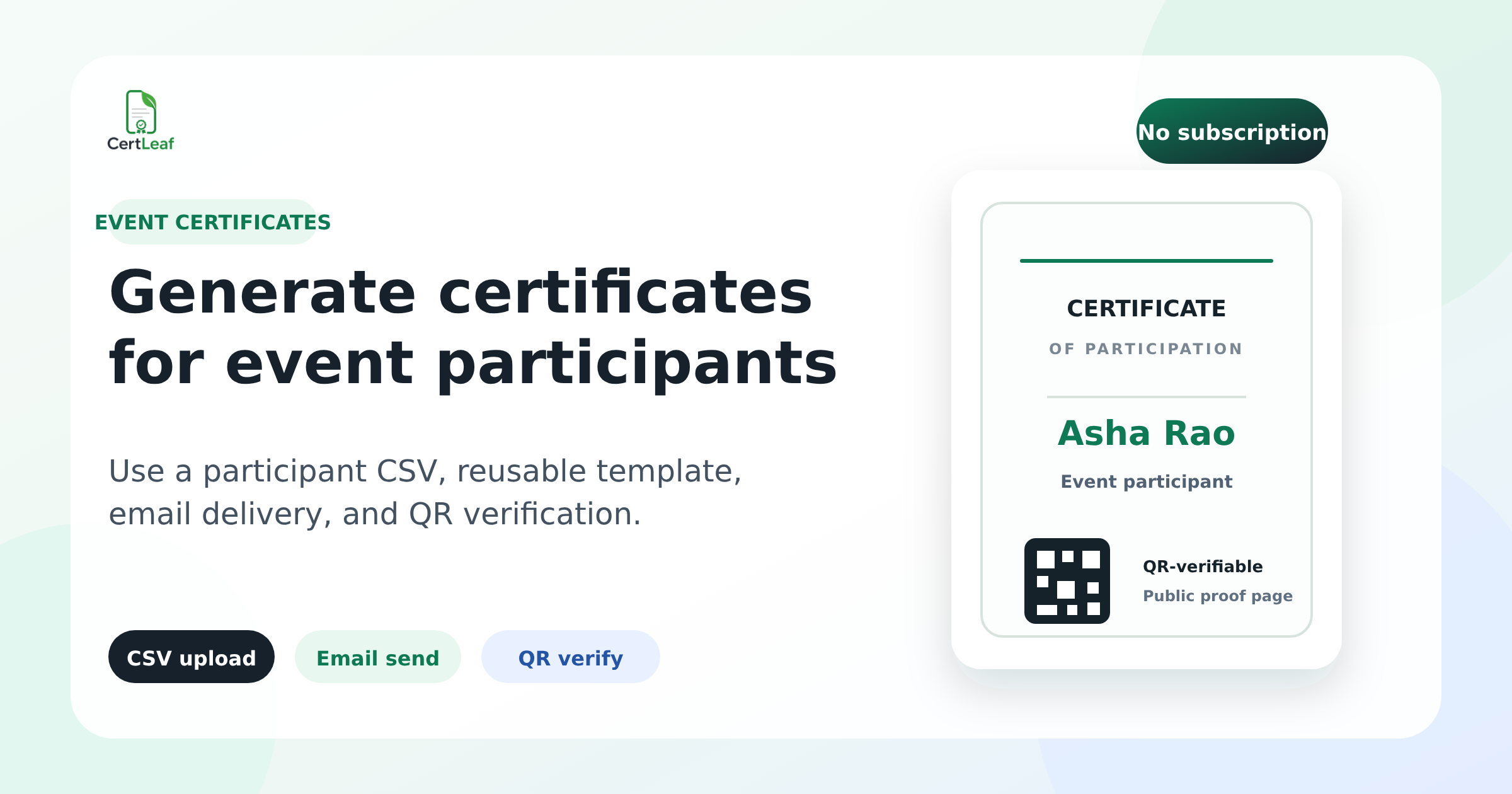
The QR code should lead to a public verification page for that certificate. It is not decoration. Its job is to make checking easier than guessing whether a forwarded PDF was edited.
Build one reusable event certificate template
Most teams already have a design. That is fine. The design does not need to be rebuilt for every event.
In CertLeaf, you can upload the base certificate design and place dynamic fields where the participant name, event name, date, or other details belong. Save it as a reusable template.
That is an important distinction: Canva and similar tools are good for making the artwork. They are not built for taking a CSV of 300 names, generating individual certificates, and sending each one to the right recipient.
Keep the layout simple enough to survive long names. A name field that looks good for "Asha Rao" can break for "Srinivasan Venkatesh Kumar." Test the template with your longest expected name before issuing the real batch.
Generate certificates from a participant CSV
Once the template and spreadsheet are ready, the process is straightforward:
Export the approved participant list as a CSV file.
Choose the event certificate template.
Upload the CSV and map each spreadsheet column to the matching certificate field.
Review a sample carefully, especially names, event title, date, and any achievement labels.
Start the bulk issue job.
Send the generated certificates to the email addresses in the list.
This is where bulk issuing earns its keep. You are not copying names into a design one by one or attaching a folder of PDFs to separate emails. You are using the participant list as the source of truth.
If you have different groups - participants, volunteers, speakers, winners - make separate CSV files or batches. Trying to handle every variation inside one giant sheet usually creates more confusion than it saves.
A practical event certificate workflow
Here is a sensible sequence for most event teams:
1. Freeze the attendee list
Set a clear cutoff. If the event ends at 5 pm, decide when the attendance list becomes final. Late additions can be handled in a small follow-up batch instead of holding up everyone else.
2. Check attendance rules
Be explicit about who qualifies. Did registrants need to attend 75% of the session? Are volunteers eligible? Does a winner receive a different certificate? Write this down before the spreadsheet is prepared.
3. Test with three real-looking rows
Use a short name, a long name, and a name with initials. Send the test certificates to your own team first. If the font size, field position, or email wording needs a fix, now is the time.
4. Issue and email the main batch
Once the sample is correct, generate the participant batch and deliver certificates by email. Tell recipients when to expect the email and which address it will come from. That small note reduces the "I did not receive mine" messages.
5. Keep a correction path
People will find a typo after delivery. It happens. Keep the source CSV and template available so a corrected certificate can be reissued without recreating the entire batch.
Why QR verification helps after an event
Event certificates often travel beyond the event itself. A student may attach one to an internship application. A trainer may add it to a portfolio. A participant may share a PDF with an employer.
A PDF alone is easy to forward and easy to alter. QR verification gives the recipient a simple way to point someone to an official check.
For the issuer, the benefit is practical too. Instead of answering repeated emails asking, "Is this certificate valid?", the verification page can provide the evidence directly.
That does not mean every certificate needs QR verification. For low-stakes internal participation, it may be unnecessary. But for college events, training programmes, competitions, and credentials people are likely to reuse, it is worth considering.
Common mistakes when issuing certificates for event attendees
Sending certificates before checking the CSV
A bulk workflow is fast, which means a bad spreadsheet becomes a fast mistake. Check the participant list before you issue, not after attendees start replying.
Using one design for different award types
Participation, speaker, volunteer, and winner certificates often need different wording. Use separate templates or batches. Do not rely on a volunteer to manually edit the wording at the last minute.
Making recipients chase the certificate
If certificates are ready, send them. Do not upload a folder somewhere and expect every attendee to find it. Direct email delivery is simpler for the participant and easier for the organizer to manage.
Treating verification as an afterthought
If the event certificate may be used outside your event, decide on QR verification before you make the template. The QR placement and the verification flow should be intentional.
What bulk certificate issuing costs with CertLeaf
CertLeaf uses pay-as-you-go credits rather than a monthly subscription. That suits teams that run a few events each semester and do not want another recurring tool bill.
A simple certificate uses 1 credit.
A QR-verifiable certificate uses 2 credits.
New signups receive 20 free credits to test the workflow.
For India-first teams, CertLeaf supports INR pricing and Razorpay checkout. The point is simple: pay for the certificates you issue, not for months when no event is happening.
Generate event certificates without the last-minute scramble
The best time to plan certificate delivery is before the event, not at 11 pm after it ends.
Prepare one clean CSV, save a reusable template, test a few names, then issue and email the batch. If the certificate needs to hold up beyond a social-media post, add QR verification from the start.
CertLeaf is built for that narrow but tedious job: bulk certificate issuing, email delivery, and verification for events, workshops, colleges, and training teams - without a subscription.
Start with 20 free credits and run a small test batch before your next event.
Related certificate workflows
Start by learning how to prepare a clean certificate recipient CSV.
After generating the batch, send certificates by email automatically.
Keep a clear process to handle certificate name corrections after the event.
Frequently asked questions
Can I generate certificates for event participants from Excel?
Yes. Export the approved Excel or Google Sheets participant list as a CSV, then map its columns to the fields in your certificate template. Review a sample before issuing the whole batch.
How do I send certificates to all event attendees?
Use the email column in your participant CSV to issue and deliver certificates in a batch. This avoids attaching individual PDFs manually and gives each attendee their own certificate email.
Should event participation certificates have QR codes?
QR codes are useful when participants may need to verify a certificate with an employer, college, or other third party. They are especially relevant for workshops, competitions, training programmes, and formal college events.
Can I use the same certificate template for multiple events?
Yes. Create a reusable base template and include dynamic fields such as participant name, event name, and date. Test each new event batch before issuing it.
Is CertLeaf subscription-based?
No. CertLeaf uses pay-as-you-go credits. New users receive 20 free credits to test the workflow, and you buy credits when you need to issue more certificates.