CertLeaf
How Training Institutes Can Issue Course Completion Certificates in Bulk
A practical workflow for training institutes that need to generate, email, and verify course completion certificates without editing every PDF by hand.
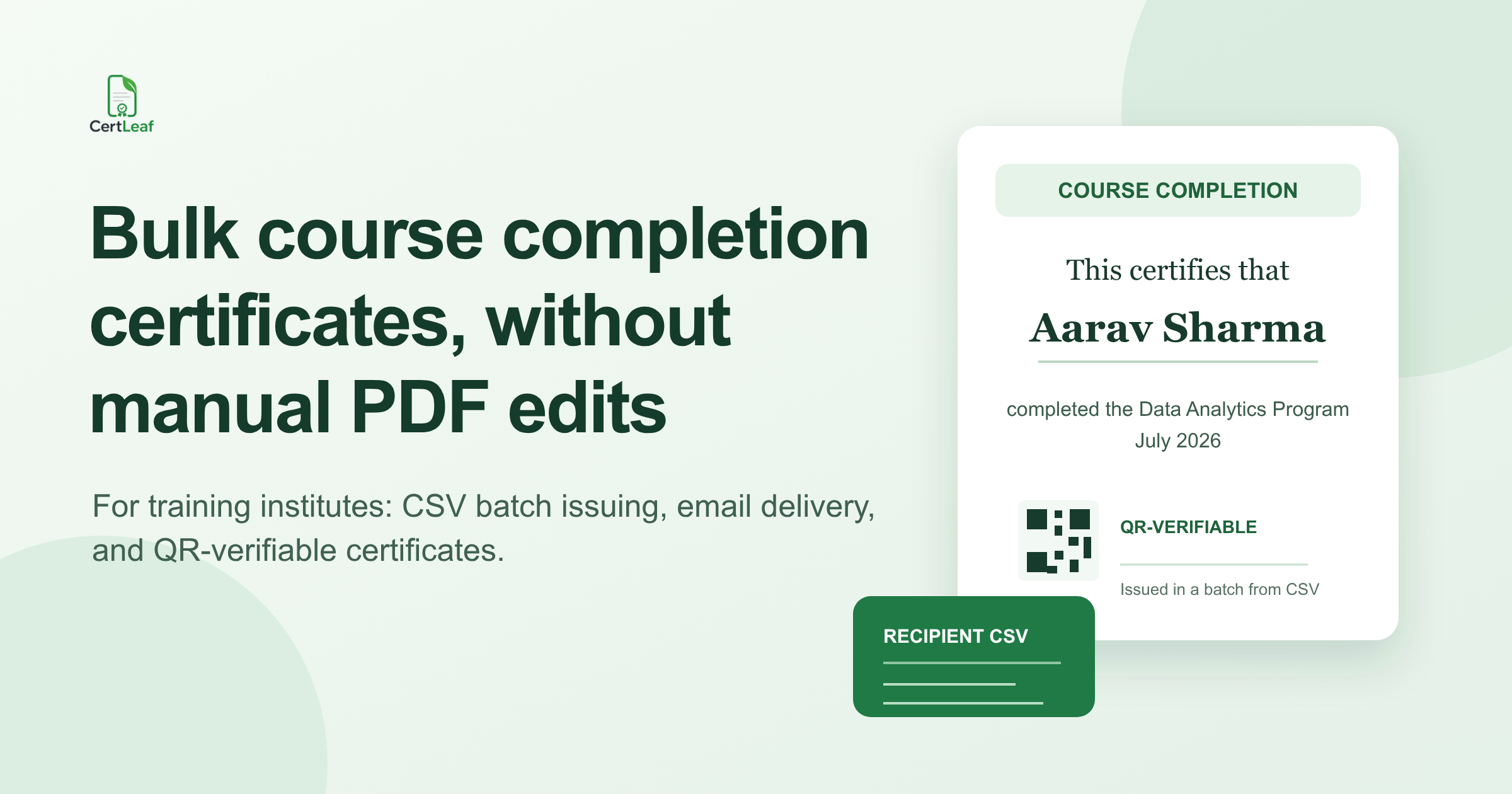
A training batch ends. Learners start asking for certificates. Someone opens the old design, changes the name, exports a PDF, and repeats that process until the evening disappears.
That approach works for 12 learners. It becomes a mess at 80. It is also where small but painful mistakes creep in: a misspelled name, the wrong course date, a certificate sent to the wrong email address, or a PDF that cannot be checked later.
A better workflow is not complicated. Keep the certificate design reusable, keep learner data in one clean CSV file, generate the batch together, then send certificates by email. If credibility matters for employers, universities, or future admissions, add QR verification so a recipient can prove the certificate is genuine without chasing your team.
CertLeaf is built for that narrower job: issuing, distributing, and verifying digital certificates. It is not trying to replace your LMS or course delivery system.
What a bulk certificate workflow should solve
For a training institute, certificate issuing usually has four jobs:
Put each learner's details into the same approved certificate layout.
Create the full batch without manual PDF edits.
Deliver each certificate to the right email address.
Give someone outside your institute a simple way to verify it later.
Design tools are useful for creating a certificate look. They are not a good operating system for a recurring certificate process. The design is only one part of the work. The recipient list, the send step, corrections, and verification are what take time after every batch.
Start with one reusable certificate design
Use a design that your institute is comfortable issuing repeatedly. Include the details a learner or verifier actually needs:
Learner name
Course or program name
Completion date or batch period
Institute name
Authorized signatory name or designation, if applicable
Certificate ID, where your internal process needs one
Keep the wording specific. "Completed the 40-hour Data Analytics Foundation Program" is more useful than a vague "participated in training." That small detail makes the certificate clearer when it is shared months later.
In CertLeaf, upload the base certificate design and create a reusable template by placing dynamic fields where each learner's information should appear. Save it once, then reuse it for the next cohort instead of rebuilding the layout.
Prepare the learner CSV before issuing
Most certificate problems begin in the spreadsheet, not in the certificate tool.
Create one row for each learner. At minimum, include columns for the learner name, email address, and the course details that appear on the certificate. If everyone completed the same course, you may keep the course name and completion date fixed in the template. If a batch contains multiple programs or completion dates, include those as columns too.
Before uploading, do a simple review:
Check that every learner name uses the spelling they expect on an official document.
Remove blank rows and duplicate records.
Confirm email addresses, especially where a learner has used a personal address instead of a work address.
Make dates consistent. Do not mix
16 July 2026,16/07/26, andJuly 16in the same batch.Ask the course coordinator to approve the final list before certificates are generated.
This is not glamorous work, but it is cheaper than recalling a batch after it has been emailed.
Generate a small test batch first
Do not make the first bulk run the full cohort. Generate two or three sample certificates first.
Check the obvious things that people notice immediately:
Is the longest learner name still inside the intended space?
Are dates, course names, and signatures sitting where they should?
Does the email address map to the correct learner?
Is the certificate wording appropriate for completion, participation, or assessment outcome?
A long name is the most common reason a layout that looked fine in a mockup looks wrong in a real batch. Test with the longest names in the CSV, not the shortest.
Once the samples look right, use CertLeaf's bulk issue flow to upload the reviewed CSV and process the full batch.
Email the certificates instead of making learners chase them
A certificate process is not finished when the PDF exists. Learners still need to receive it.
With CertLeaf, recipients can receive their ready-to-download certificates by email after the batch is processed. That means your team is not downloading a folder, attaching individual PDFs, and working through a mail merge after every course.
For a smoother learner experience, tell the batch in advance when certificates will arrive and which email address they should check. A short message at the final class is enough:
> Your course completion certificate will be sent to the email address used for registration. Please check your inbox and spam folder after the issuing date.
This reduces the "I did not get mine" messages that otherwise fill the coordinator's inbox the next day.
Add QR verification when the certificate needs to travel
Course certificates are often forwarded to recruiters, admissions teams, or managers. A PDF alone does not make verification easy; it can be copied, edited, or simply questioned.
A QR-verifiable certificate gives the recipient a route to a public verification page. The person checking it can scan the QR code rather than email your institute and wait for a response.
That does not replace your academic or training records. It does make routine verification less dependent on a staff member being available.
QR verification is especially useful for:
Job-oriented training programs
Professional skills courses
Partner-funded cohorts
Short courses with many external stakeholders
Programs where learners regularly share certificates on LinkedIn or with recruiters
Keep the process affordable for smaller and recurring batches
Training institutes do not always run one huge annual cohort. Many run frequent batches of 30, 60, or 150 learners. A subscription that sits unused between cohorts can be hard to justify.
CertLeaf uses pay-as-you-go credits rather than a subscription. Simple certificates use 1 credit and QR-verifiable certificates use 2 credits. New accounts receive 20 free credits, so it is possible to test the workflow before buying a larger pack. Indian institutes can pay in INR through Razorpay.
The practical question is not "Do we need another platform?" It is whether the time spent editing and emailing certificates by hand is worth keeping. For a recurring institute workflow, it usually is not.
A repeatable checklist for every new batch
Use this checklist before sending a course completion batch:
Confirm the certificate type: completion, participation, or achievement.
Confirm the final certificate wording and signatory details.
Export a clean CSV with learner names and email addresses.
Generate a small test batch with long names.
Review the samples with the course coordinator.
Process the full batch.
Confirm the intended delivery date with learners.
Use QR verification for certificates likely to be checked outside your institute.
Keep the final CSV and issuing record in your internal course folder.
The goal is not to make certificate issuing impressive. It should be boring, repeatable, and easy to trust.
Related certificate workflows
See how to reuse one training certificate template across course batches.
For attendance-led programs, learn how to issue multi-day training certificates based on attendance.
For batch budgeting, view pay-as-you-go certificate pricing.
Frequently asked questions
Can a training institute create certificates from a spreadsheet?
Yes. A CSV is the practical way to issue certificates for a cohort because it keeps each learner's name, email address, and other certificate fields in one place. CertLeaf uses that data for bulk issuing rather than requiring individual PDF edits.
Should course completion certificates have QR codes?
Use QR verification when learners are likely to share certificates with employers, recruiters, colleges, or partners. It gives the person reviewing the certificate a direct verification route instead of asking them to contact your team.
What is the difference between a completion certificate and a participation certificate?
A completion certificate states that a learner completed a program or course. A participation certificate confirms attendance or involvement. Use language that matches your actual criteria; do not label attendance as completion if your institute treats them differently.
Can we reuse the same certificate layout for future batches?
Yes. Create a reusable template from your approved certificate design, then update the CSV data for each new batch. Review a sample before every full issue, especially when course names, dates, or signatories change.
Ready to stop editing certificates one by one?
Create your template once, upload a learner CSV, issue the batch, and email certificates from the same workflow. CertLeaf gives new accounts 20 free credits, with pay-as-you-go pricing for the batches that follow.