 CertLeaf
Faculty Development Program Certificate Generator: Bulk FDP Certificates Without the After-Session Mess
A practical organizer's guide to generating FDP certificates in bulk with cleaner spreadsheets, email delivery, and QR verification.
By the last day of a five-day FDP, the certificate work usually looks smaller than it really is.
The Valmiki College Teaching Tools FDP in Mysuru had 126 registrations, 103 people who attended at least four sessions, 91 feedback responses, and 17 WhatsApp messages from faculty members asking for small corrections. One name had a middle initial in the registration form but not in the attendance sheet. One participant joined from a personal Gmail ID on day two. The resource person's title was longer than the space kept on the certificate design.
None of this is dramatic. It is just the normal certificate follow-up that lands on one coordinator after the sessions are over.
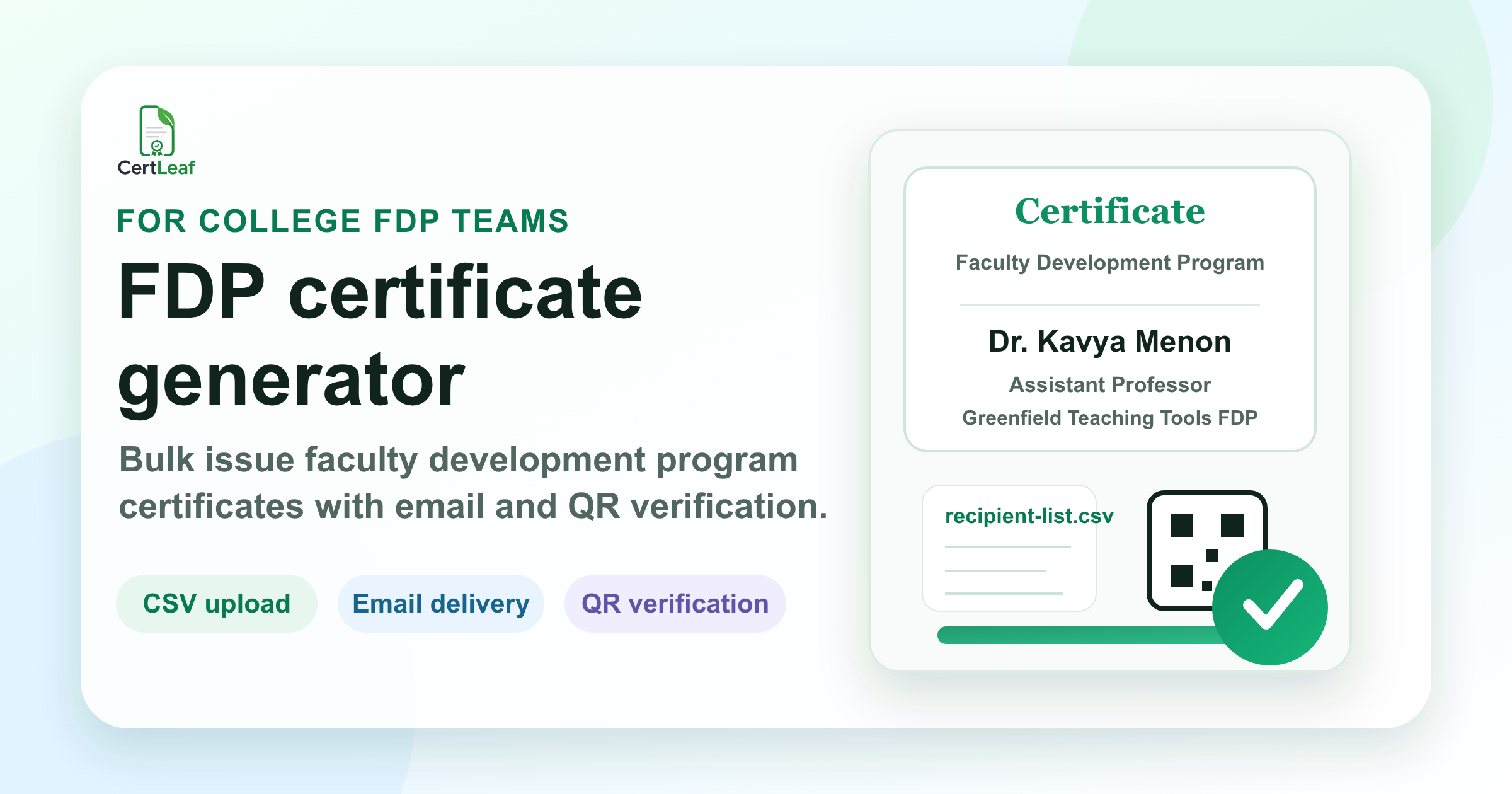
That is why a faculty development program certificate generator should not only make a pretty PDF. For an FDP, the useful part is bulk issuing from a clean list, sending certificates by email, and giving each certificate a QR verification link so departments can check it later without asking the coordinator to search old folders.
The messy part of FDP certificates
For most FDPs, the certificate list is not one neat file. It is built from a few different places, often by people who are already tired after handling speakers, attendance, reminders, and feedback forms.
| Source | What it gives you | What usually needs checking |
|---|---|---|
| Registration form | Name, email, college, designation | Spelling, title case, duplicate entries |
| Attendance sheet | Session-wise participation | Eligibility rule and joined-from-another-email cases |
| Feedback form | Final confirmation and comments | Missing responses and alternate emails |
| WhatsApp corrections | Last-minute name or designation changes | Whether the correction is genuine and final |
I would not start certificate generation until this table is resolved for the event. The certificate tool matters, but the list matters more. A wrong certificate sent quickly is still a wrong certificate.
Decide the FDP certificate rule before you design the certificate
The first thing I would write down is the eligibility rule. Not in a long policy document. Just one plain sentence that everyone on the organizing team can use.
For example: "Faculty members who attended at least four out of five sessions and submitted the feedback form will receive the FDP participation certificate."
That sentence prevents many small arguments later. It tells the attendance volunteer what to filter. It tells the person handling emails why a participant is not on the final list. It also gives you a clean way to answer someone who attended only the inaugural session and still asks for a certificate.
For a two-day faculty development program in Kochi, I would probably use a different rule: both days attended, feedback submitted, name confirmed by the department coordinator. For a one-day FDP, the rule may be simpler. The point is not the exact rule. The point is writing it before the certificate list starts moving around in five versions.
Use a spreadsheet that matches the certificate, not the other way around
A good FDP certificate generator should work with a spreadsheet because that is how the organizer already has the data. The problem is that the spreadsheet usually has columns like Timestamp, Email Address, Full Name, College Name, Designation, Day 1, Day 2, Feedback Submitted, and maybe three extra columns added by volunteers.
The certificate does not need all of that.
For the final issuing file, I would keep only the fields that must appear on the certificate or be used for delivery. Usually that means name, email, college or institution, program title, date range, certificate type, and maybe a certificate ID. If the certificate says "Dr. Ananya Rao, Assistant Professor, Department of Commerce," then those fields need to be clean before upload.
This is also where long names and long institution names should be tested. The certificate for "St. Joseph's College of Arts and Science" may look fine. The one for "Sri Venkateshwara Institute of Advanced Management and Applied Research" may break the layout if the template was designed only with short names in mind.
I like testing the awkward rows first: the longest name, the longest designation, a college name with an apostrophe, and one participant with a hyphenated department. If those work, the rest of the batch is usually safe.
What a faculty development program certificate generator should handle
For FDP certificates, the generator should do more than replace names on a PDF. It should support the whole closeout flow: template, spreadsheet, batch generation, email delivery, and verification.
The practical workflow looks like this:
Create one certificate design for the FDP.
Place dynamic fields for name, college, date, program title, and QR code.
Upload the final CSV of eligible participants.
Review sample certificates before issuing the full batch.
Generate the certificates in bulk.
Email each participant their certificate.
Keep a verification page available through the QR code.
That is enough. I would avoid making the certificate workflow part of a larger LMS or attendance system unless the institution already has one. Most college FDP teams do not need a heavy platform for this. They need to finish certificate work cleanly before the next circular goes out.
Where CertLeaf fits in the FDP workflow
CertLeaf fits best after the final participant list is ready.
You can create a reusable certificate template, upload a CSV, generate FDP certificates in bulk, and send them by email. If you choose verifiable certificates, each certificate can include a QR code that opens a public verification page. That helps when a faculty member forwards the certificate to an IQAC office, HR team, college admin, or another institution that wants to confirm it later.
The pay-as-you-go credit model also suits FDPs because many departments do not run certificate programs every month. A college department may need 80 certificates this week and none for the next two months. Paying for certificate credits can be easier to justify than taking a subscription for a tool that sits idle between programs.
CertLeaf also gives 20 free signup credits, so an organizer can test the template and issuing flow before buying credits for the full FDP batch.
QR verification matters more after the certificate leaves your inbox
During the FDP, everyone knows the certificate is real because they were there. Six months later, that context disappears.
A faculty member may attach the certificate to an appraisal file. A department may collect proof for NAAC or internal records. Another institution may ask whether the certificate was actually issued by the organizer. If the certificate is only a plain PDF, verification often becomes a manual email thread.
A QR-verifiable FDP certificate reduces that friction. The recipient scans the code, or the reviewer scans it, and the certificate can be checked against a verification page. It does not remove the need for clean data, but it gives the certificate a better life after download.
This is especially useful for online FDPs where participants join from different cities. The coordinator may never meet half the attendees, but the certificate can still carry a verification trail.
Email delivery should be part of the plan
Certificate work is not finished when PDFs are generated. Someone still has to send them.
Manual emailing is where errors sneak in. It is easy to attach the wrong PDF, miss a participant, paste an old subject line, or send certificates from a personal inbox that later gets flooded with correction requests. For an FDP with 120 participants, manual email is not a small job. It is an evening.
If the certificate generator can send certificates by email from the same batch, the coordinator has fewer moving parts. The certificate file, recipient email, and issuing record stay connected. Corrections may still happen, but the original send does not depend on dragging PDFs into individual Gmail drafts.
A simple FDP certificate checklist before issuing
Before issuing the final batch, I would check these five things:
Eligibility rule is final and approved by the coordinator.
Names, designations, and institution names are cleaned in one final CSV.
The certificate template has been tested with the longest rows.
Email addresses are checked for obvious typos and duplicates.
QR verification is enabled if certificates may be reviewed later.
This checklist sounds ordinary, but it prevents most of the certificate complaints that come after an FDP.
Related certificate workflows
Before building the batch, choose FDP templates for participation, completion, and resource persons.
FAQ: Faculty development program certificate generator
What is a faculty development program certificate generator?
A faculty development program certificate generator is a tool used to create FDP certificates for eligible participants, usually from a spreadsheet or CSV file. A useful generator should support bulk issuing, certificate templates, email delivery, and, when needed, QR verification.
Can I generate FDP certificates in bulk from Excel or CSV?
Yes. The cleanest workflow is to prepare a final CSV with participant names, emails, institution details, program dates, and any other fields shown on the certificate. CertLeaf lets you upload a CSV and generate certificates in bulk from a reusable template.
Should FDP certificates include a QR code?
For many college and training programs, yes. A QR code helps recipients and reviewers verify the certificate later without asking the organizer to manually confirm old records. It is especially useful for online FDPs and certificates used for appraisal, HR, or institutional documentation.
How do I email FDP certificates to all participants?
Use a certificate generator with email delivery instead of downloading every PDF and sending messages one by one. With CertLeaf, the issuing workflow can generate certificates from the participant CSV and email certificates to recipients after the batch is ready.
What details should be included on an FDP certificate?
Most FDP certificates include the participant's name, faculty designation or institution, FDP title, organizing department, date range, certificate type, issuer name, and signature area. If verification is required, include a QR code linked to the certificate verification page.
The takeaway
The certificate part of a faculty development program is not hard because one certificate is hard. It is hard because 100 small records have to be correct at the same time.
I would keep the process simple: decide the rule, clean the CSV, test the awkward rows, issue in bulk, send by email, and use QR verification when the certificate may be checked later. That is the work a good FDP certificate generator should take off the coordinator's plate.


