 CertLeaf
How to Handle Certificate Name Corrections After an Event
A practical certificate correction workflow for event teams that need to collect name changes, check recipient details, reissue corrected certificates, and send them without losing track.
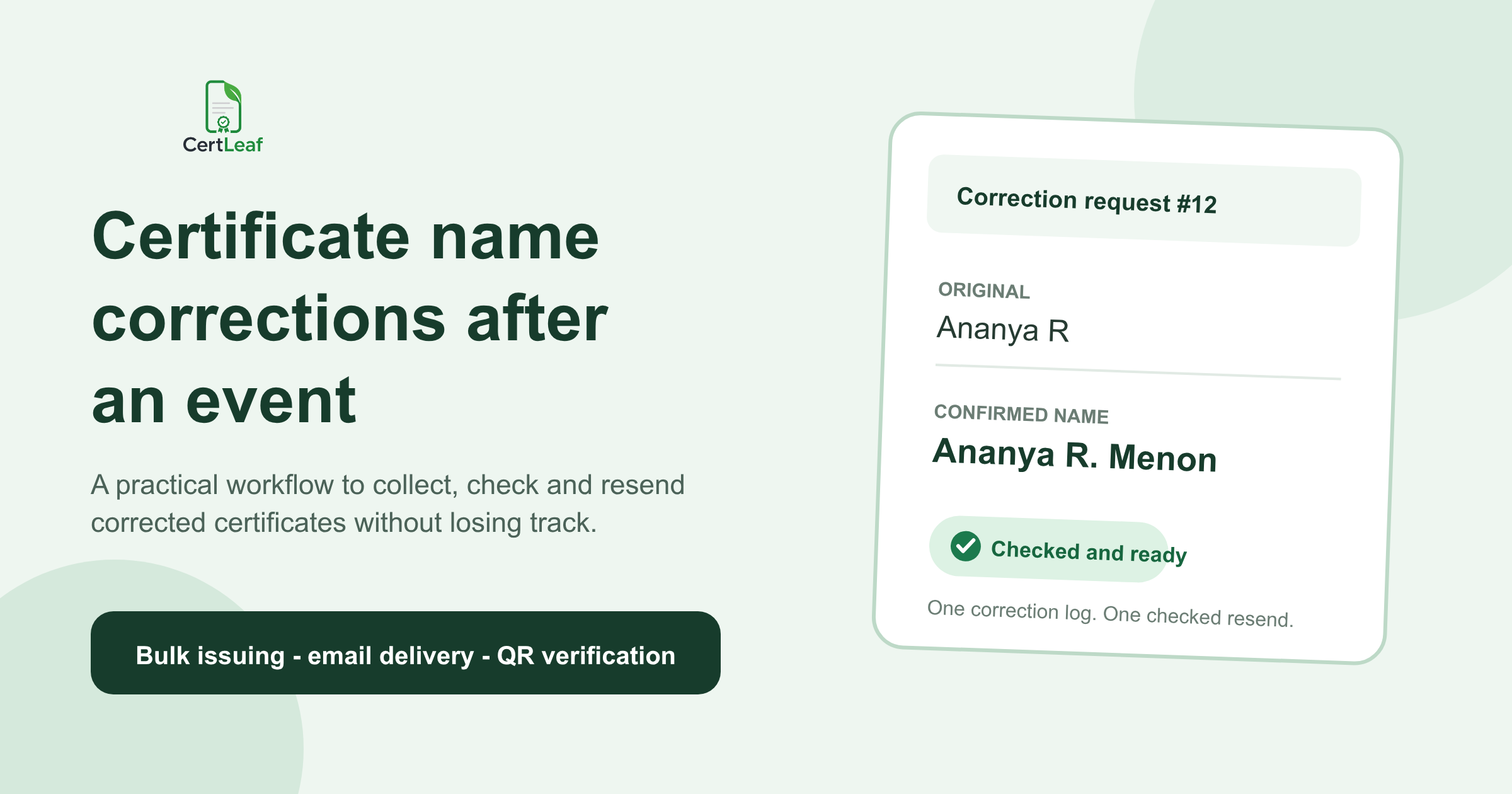
At 9:18 the morning after the Coastal Data Lab workshop in Kochi, the first correction message arrived: "Please add my middle initial." By 9:40, the student club had nine requests spread across WhatsApp, Instagram, email, and a Google Form that one volunteer had created without telling the others.
The event had 268 participants. The original certificate batch had gone out the previous evening, which felt like a good close to a long Saturday. Then one participant wanted Nived P changed to Nived P. Nair, another had registered using her father's email, and two people sent screenshots of certificates that did not belong to them.
Certificate name correction after an event is not difficult because each edit takes long. It becomes risky when requests arrive through several people and nobody can tell which ones have been checked, corrected, or resent.
| Request that arrives | What I would check | What can go wrong |
|---|---|---|
| Add or remove an initial | Original row and recipient reply | The request is applied to the wrong similar name |
| Replace a short name | Confirm the full spelling | A coordinator guesses the expansion |
| Change the delivery email | Match another detail from registration | The corrected file goes to someone else |
| Fix the event title or role | Check whether the whole batch is affected | One recipient gets wording different from everyone else |
My rule now is to stop treating correction messages as editing instructions. They are requests that need to be matched, confirmed, logged, and then issued in one controlled correction batch.
Start one certificate correction log
The worst correction workflow I have seen was also the most familiar: a volunteer opened the certificate template as soon as a WhatsApp message appeared, changed the name, exported a PDF, sent it, and marked the chat with a thumbs-up. That worked for the first three people. It failed when a second volunteer answered the same messages from another phone.
Use one correction log, even if the event only has ten requests. A spreadsheet is enough. I would keep these working columns:
request_id, original_name, requested_name, original_email, confirmed_email, correction_type, checked_by, status, sent_at
The request ID can be as plain as COR-001. The useful part is having a reference when two people share a first name or when the same participant follows up through email and WhatsApp.
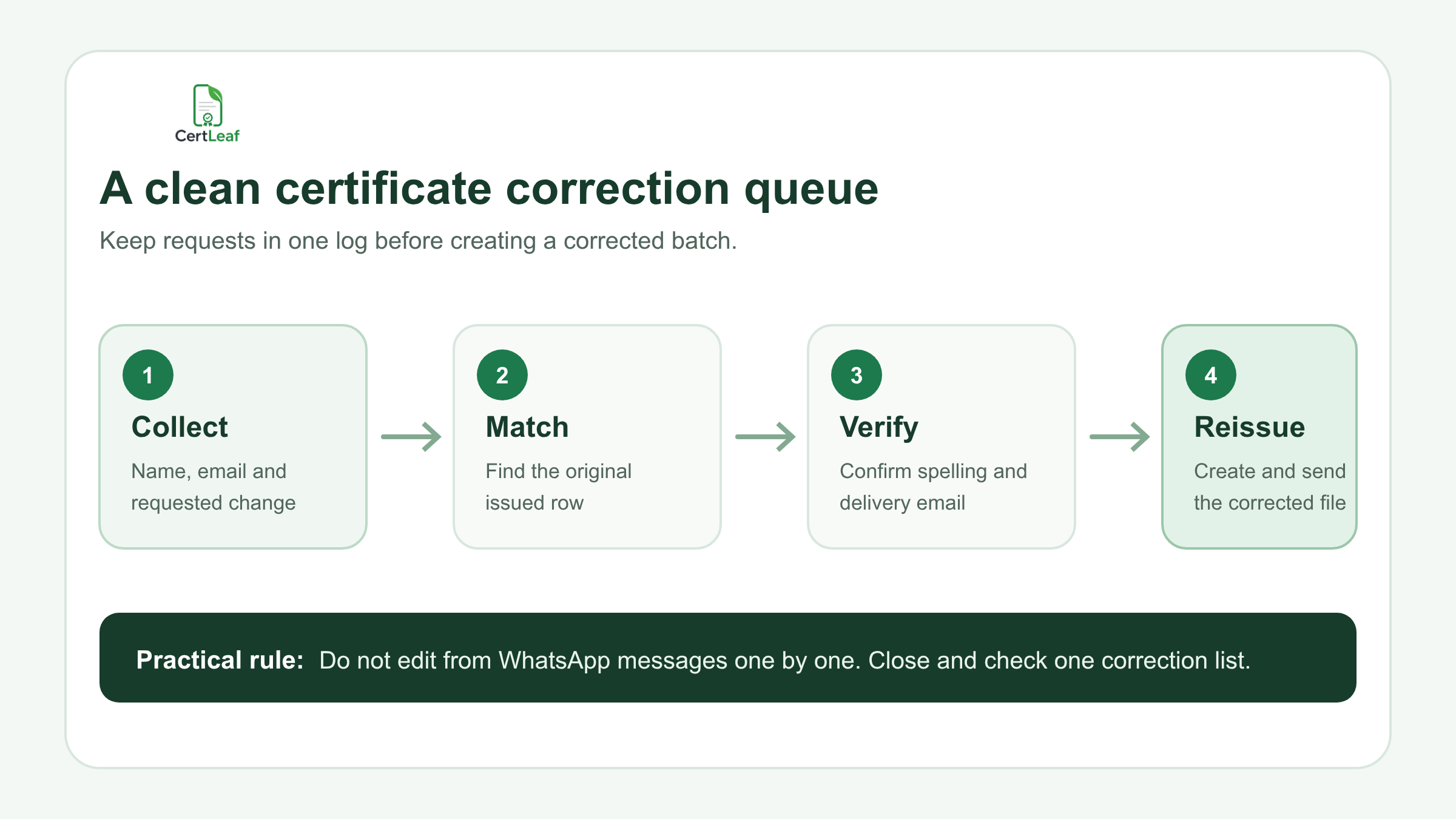
At the Kochi workshop, the team copied every request into one sheet and added a status column with only four values: new, needs reply, ready, and sent. That small decision stopped volunteers from inventing their own labels such as done?, checked by Anu, and waiting maybe.
Match the request to the original issued row
Before changing a name, find the exact row used in the original batch. The original email is usually the fastest match, but it should not be your only option. Participants register with college addresses, join with personal addresses, and ask for delivery to a parent's or colleague's inbox.
If the email has changed, compare another detail that the event team already collected: registration ID, phone suffix, college, workshop batch, or payment reference. Do not ask for extra personal information when an existing event detail will do.
This matters most with common names. A message saying "Please correct Rahul S" is not enough when the batch has Rahul S., Rahul S Nair, and Rahul Suresh. I would rather send one short confirmation reply than produce a polished certificate for the wrong Rahul.
Confirm the requested name instead of improving it
A coordinator's job is to reproduce the participant's confirmed name, not make it look more formal.
Do not expand initials by guessing. Do not remove periods because the rest of the spreadsheet does not use them. Do not force every name into title case. Names that look inconsistent in a column can still be correct for the people who own them.
For a clear correction request, reply with the exact final form:
> We have recorded the corrected certificate name as "Nived P. Nair". Please reply if any character or space should be different.
That sentence gives the participant one last chance to spot an error. It also gives the event team a written final value to copy into the correction sheet.
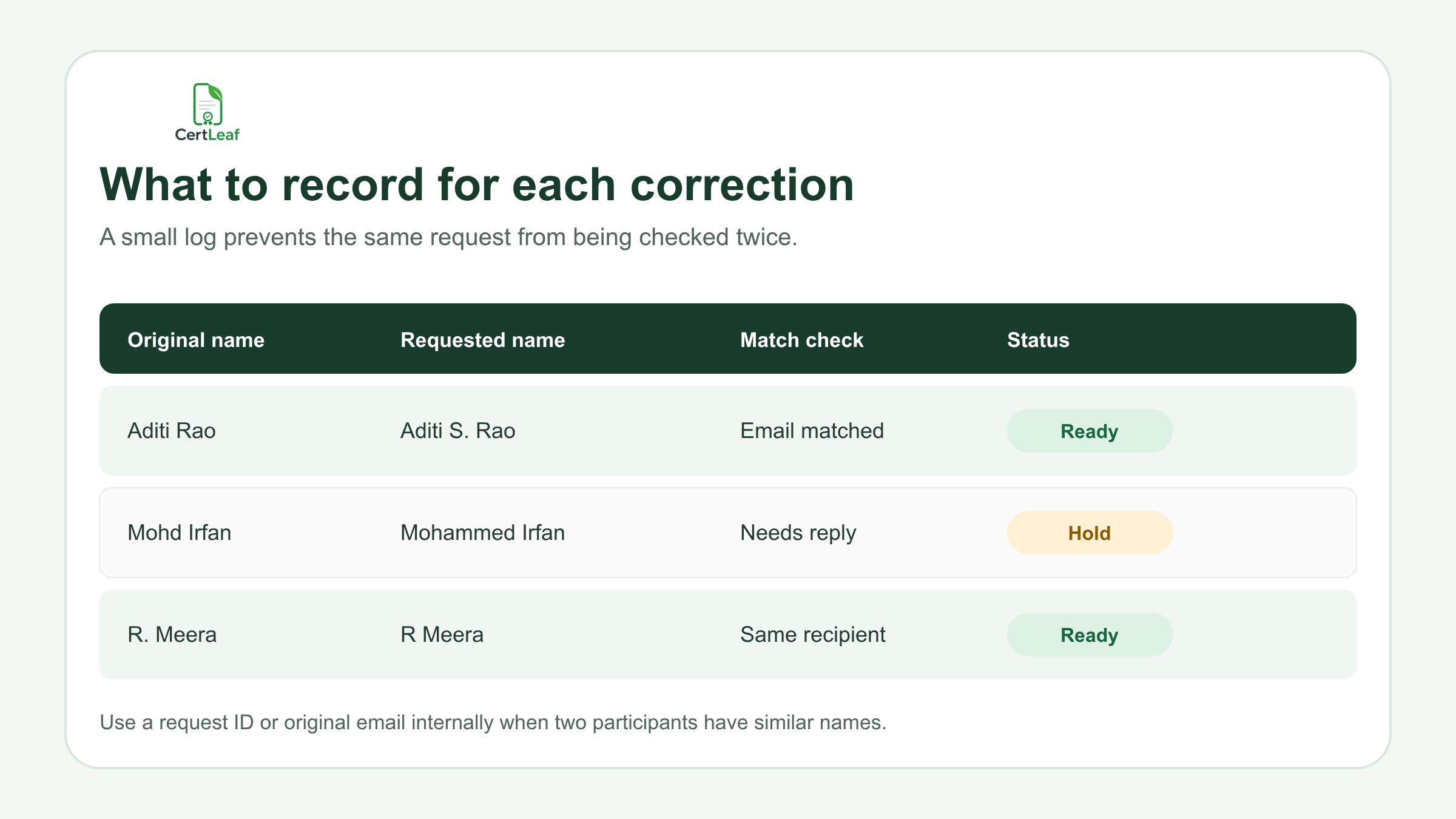
One request at the Kochi event stayed on hold because the participant asked to change Mohd Irfan to Mohammed Irfan, but the message came from a different account and included no registration details. The team did not reject it. They simply asked for the registered email and closed the request after it matched.
Separate name corrections from batch-wide errors
Not every correction belongs in the recipient column.
If one participant's name is wrong, fix one row. If the workshop title, date, signatory, certificate type, or organizer name is wrong, pause before creating individual replacements. The source template or the whole batch may need attention.
This distinction saved a college seminar team in Pune from making 14 separate "corrections" to a certificate that used the wrong department name. Once they checked the original design, they saw that all 114 certificates had the same problem. The right response was a batch decision and a clear recipient email, not 14 isolated edits followed by more complaints.
I would use two queues:
Recipient correction: name, email, ID, role, or another row-level value
Batch correction: event title, date, organizer, signatory, or fixed template wording
That is the only list split the process really needs. Everything else can stay in the correction log.
Close the list before you create corrected certificates
Constant one-by-one reissuing keeps the team busy and makes the record unreliable. Unless a correction is genuinely urgent, set a short review window. For example, collect requests until 4 pm, confirm the ready rows, and create one correction batch at 5 pm.
Before that batch, have someone other than the person editing the sheet check the awkward rows: changed email addresses, long names, similar names, and requests that alter more than punctuation. Then export only the ready rows. Do not include hold requests just because the participant is following up quickly.
A useful corrected batch file might contain:
full_name,email,event_name,certificate_type,request_id
The internal request_id does not need to appear on the certificate. It simply helps you connect the issued result with the correction log.
Resend the corrected certificate with a clear subject
A corrected certificate email should be boring and unmistakable. Do not hide it inside a long apology or reuse the original subject without saying what changed.
A practical subject is:
Corrected certificate - Coastal Data Lab workshop
The message can be equally short:
> Hi Nived, > > Your corrected workshop certificate is ready. The certificate name now reads "Nived P. Nair". > > Please use this corrected version for future sharing or records. If the name is still not right, reply to this email with the exact spelling.
Keep the original request and the sent timestamp in the correction log. If a recipient asks again next week, the next coordinator can see what happened without searching several inboxes.
If the certificate is QR-verifiable, check the QR path on the corrected certificate before sending it. Scan it from the exported file, confirm that the verification page displays the corrected recipient details, and tell the recipient to use the latest certificate. Do not assume that a visible QR code proves the destination is correct.
Where CertLeaf fits
CertLeaf is useful after the correction list is clean. An organizer can update the corrected recipient rows, use a reusable certificate template, issue the corrected certificates as a small batch, and deliver them by email. For QR-verifiable certificates, the corrected output can include a QR code linked to its verification page.
The pay-as-you-go model also suits event work that arrives in bursts. There is no need to keep a subscription running between a July workshop and an October college fest. New accounts receive 20 free credits, so a team can test the template and a few awkward rows before handling a full batch.
I would still keep the correction log outside the issuing tool. It is the operational record of what the participant requested, who checked it, and when the corrected certificate was sent.
Prevent the next correction queue from growing
You will never remove every correction. People mistype their own names, use a different email on the attendance form, or notice an initial only after seeing the PDF. But the queue gets smaller when the event team collects a dedicated certificate_name field and shows it back to participants before issuing.
Test the template with the longest name, the longest event title, and a name containing initials. Send a proof to two organizers. Keep one final recipient CSV. Most importantly, tell participants where corrections should be submitted and give them one deadline.
That is less exciting than generating certificates on the same evening. It is also the reason the following morning does not turn into a four-channel search for the latest spelling.
Related certificate workflows
To prevent repeat errors, clean the certificate recipient CSV before issuing.
After correcting the record, follow a safe certificate resend workflow.
Frequently asked questions
How do I correct a name on a certificate after an event?
Record the requested name, match it to the original issued row, confirm the exact spelling with the recipient, mark the request ready, and create a corrected certificate from the checked data. Keep the sent time in the same correction log.
Should I resend corrected certificates one by one or in a batch?
For non-urgent requests, collect them for a short window and issue one checked correction batch. One-by-one edits are easier to lose track of, especially when several volunteers answer participants.
What should a certificate correction form ask for?
Ask for the original certificate name, corrected name, original or registered email, event name, and a short description of the change. Add a request ID internally. Avoid collecting identity documents unless the event genuinely requires them.
How should I email a corrected certificate?
Use a subject that includes "Corrected certificate" and the event name. State the exact corrected name in the message, ask the recipient to use the latest version, and provide one reply path if another change is needed.
Should I check the QR code after reissuing a certificate?
Yes. Scan the QR code on the exported corrected certificate and confirm that the verification page shows the intended recipient details before sending it.
Can CertLeaf help reissue corrected event certificates?
CertLeaf can use a corrected recipient list with a reusable template to issue certificates in a small batch, deliver them by email, and add QR verification when selected. The organizer should still maintain a correction log and verify each request before issuing.
The practical takeaway
The fastest certificate correction is not the one someone edits immediately. It is the one the team can match, confirm, reissue, and find later.
Use one request channel if you can. Keep one correction log even if the queue is small. Confirm names exactly as participants want them, separate recipient errors from batch-wide errors, and resend from a checked list. The work becomes predictable, and the event team gets to finish the event instead of reopening it every time a new message appears.


