CertLeaf
Training Certificate Template for Reusable Course Batches
A practical guide to building one reusable training certificate template for course completion, module completion, attendance rules, CSV batches, and QR verification.

At 6:40 pm, the last class in a weekend training cohort had ended, but the admin desk still had three spreadsheets open. One held registrations. Another had attendance. A third listed the learners who completed the practical assessment. The certificate design was ready; the final recipient list was not.
That is the point where a reusable training certificate template earns its keep. A good course completion certificate template gives the coordinator enough room for long learner names, changing course titles, batch dates, signatures, and a QR code. A practical training institute certificate template also works across cohorts without sending the design back for edits each month.
| Certificate case | Rule to settle before issuing | Field that changes by batch |
|---|---|---|
| Full course completion | Required modules and assessment completed | Course name, cohort, completion date |
| Module completion | Named module completed | Module title and hours |
| Attendance-based certificate | Minimum attendance met | Attendance basis or session dates |
| Batch-wise issuing | Final list approved by coordinator | Batch code and issue date |
The design is only half the job. The other half is deciding what the certificate means and making the learner data match that decision.
What should appear on a training certificate template?
Start with the fields that someone may need to check six months later. The certificate should identify the recipient, the completed course or module, the issuer, and the date. If practical learning hours matter to your program, include them only when your records support the number. The same applies to attendance percentages, assessment results, and grades.
I would reserve space for these items in the base design:
Recipient name, with enough width for the longest likely name
Course, module, or training cohort title
Completion or issue date
Issuer name and logo
Authorized signature
Optional batch code or practical learning hours
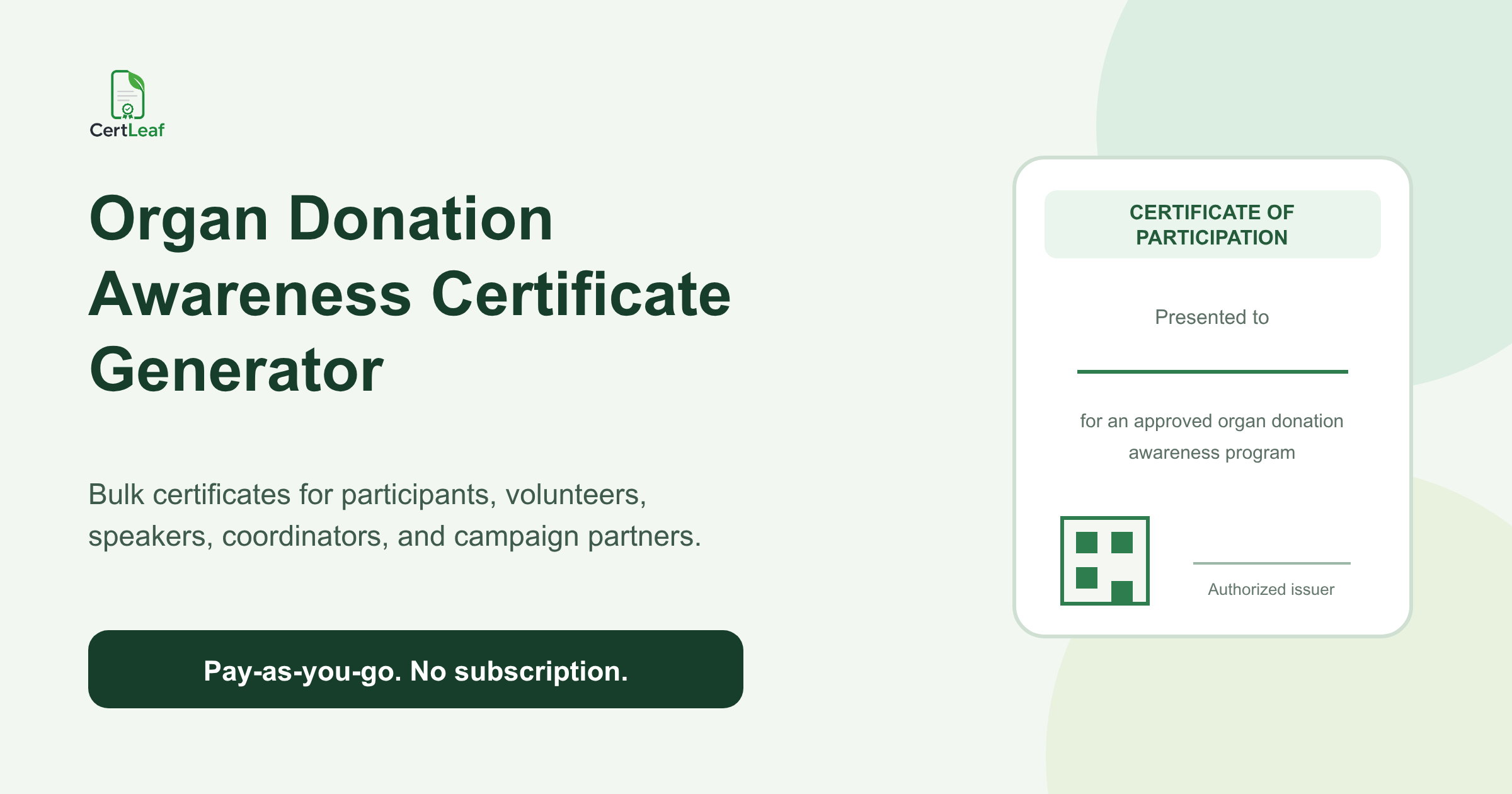
A clear square area for a verification QR code
The recipient name and course title need the most breathing room. A compact certificate can look neat with a short test value and then fail when a 32-character learner name meets a long technical course title. Test those two fields first, not last.

The example keeps the dynamic areas empty on purpose. In CertLeaf, the institute can upload a base design like this and place dynamic fields over the blank gaps. The square at the lower right is not a fake QR code; it is space for the real verification QR generated at issue time.
Wording examples for course, module, and attendance certificates
Certificate wording should describe the rule the learner actually met. It does not need inflated language. It needs to be clear.
For a full course completion record:
> This confirms that [Recipient Name] has completed [Course Name] as part of the [Training Cohort] on [Completion Date].
For a module completion certificate:
> [Recipient Name] has completed the module [Module Name], including [Practical Learning Hours] of guided learning and practice.
For an attendance-based certificate:
> This record confirms that [Recipient Name] attended the required sessions for [Course or Workshop Name] conducted during [Date Range].
For an assessed training program:
> [Recipient Name] has completed the required learning activities and assessment for [Course Name] in [Training Cohort].
The bracketed text is a field, not sample certificate content. Keep the final base design blank where those values will appear. Also, avoid adding a score, grade, or attendance percentage unless the institute has a dependable source for it.
Adapt one course completion certificate template for different batches
A reusable template should separate fixed text from batch data. The certificate title, border, colors, and standard completion sentence can remain fixed. Recipient name, course title, module, cohort, dates, hours, and batch code can come from the learner sheet.
At a composite skills centre in Pune, the same data analytics course ran as a weekday batch and a weekend batch. The certificate did not need two designs. It needed one optional batch_name field and enough room for values such as Weekday Cohort or Weekend Cohort.
The same pattern works when a course has several certificate outcomes. Keep the visual system consistent, then create a small number of purpose-specific variants:
Full course completion
Individual module completion
Attendance or participation
Do not force every outcome into one crowded design. Reuse the typography, colors, logo position, and signature area while changing the fixed sentence that defines the achievement. That keeps the certificates recognizably from the same institute without making their meaning vague.
Before saving the template, test it with the awkward values: the longest learner name, the longest course title, a two-part date range, and the widest batch code. This ten-minute check prevents a large batch of nearly correct PDFs.
Prepare learner data in CSV before batch-wise issuing
The final CSV should be the approved issuing list, not a raw registration export. Remove learners who did not meet the certificate rule. Resolve duplicate rows. Confirm that the email column contains the address where each certificate should be delivered.
A practical header row might look like this:
recipient_name,recipient_email,course_name,module_name,batch_name,completion_date,learning_hours
Use one row per certificate. If a learner receives both a module certificate and a full course certificate, treat those as two separate issuing records or batches so the wording and template remain accurate.
I also keep a status column while preparing the sheet, with values such as eligible, hold, or correction_needed. Only eligible rows move into the upload file. This is especially useful when attendance and assessment results arrive from different trainers.
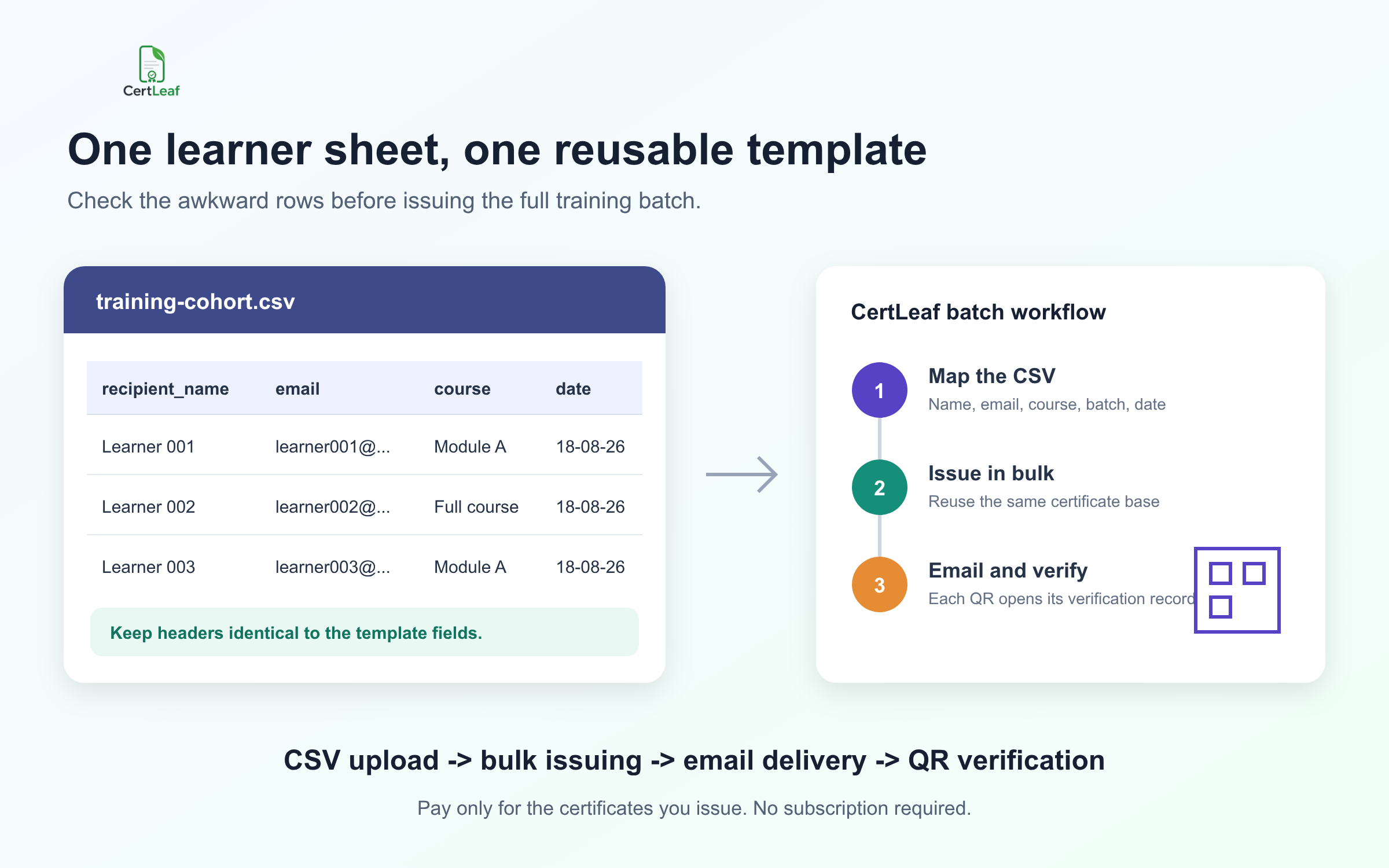
The column names in the upload should match the fields placed on the certificate template. Pick one date format and use it throughout the file. Keep email addresses in their own column. If you have a blank optional value, decide whether the field should disappear cleanly or whether that batch needs a simpler template variant.
One useful preflight habit is to issue a tiny test set first: the longest name, the longest course title, a row with an optional field, and one ordinary row. Review those certificates before processing the full cohort.
How QR verification supports proof
A certificate PDF can be forwarded, renamed, or edited. A verification QR gives a reviewer a route back to the certificate record rather than asking them to judge the PDF by appearance alone.
With a verifiable certificate in CertLeaf, the QR code points to a public verification page for that issued record. A recruiter, partner, or learner can scan it to check the issuer, recipient, certificate details, and issue information shown on the verification page.
The QR area must be square and uncluttered. Do not place it over a patterned border, signature, or small body copy. In the base template, leave the area empty. CertLeaf adds the real QR when the verifiable certificate is issued.
QR verification does not replace the institute's completion rules. It supports proof that the certificate record was issued. The attendance sheet, assessment result, and approval decision still need to be correct before the batch goes out.
Where CertLeaf fits in the training certificate workflow
CertLeaf is built for the issuing work that begins after the certificate design and learner list are ready.
A training institute can upload its certificate base, create a reusable template, and position fields for the learner name, course, module, dates, signature, logo, and QR code. For each cohort, the coordinator uploads the approved CSV and issues the certificates in bulk. CertLeaf can email the certificates to recipients, while verifiable certificates include a QR-linked public record.
The pricing model is pay-as-you-go credits rather than a subscription. That suits institutes whose batch sizes change through the year: buy credits when certificates need to be issued instead of keeping another monthly tool active between cohorts. New accounts receive 20 free credits to test the workflow.
The useful boundary is simple. CertLeaf does not decide whether a learner passed. Your institute owns that rule and the underlying records. CertLeaf helps turn the approved list into consistent certificates, deliver them, and provide QR-based verification when selected.
Related certificate workflows
When the template is ready, issue course completion certificates in bulk.
For stronger proof, add unique IDs to verifiable training certificates.
For batch planning, see pay-as-you-go pricing for each batch.
FAQ about training certificate templates
Can one training institute certificate template work for every course?
It can work across courses when the layout has generous blank space for the course title and other changing fields. You may still want separate variants for full completion, module completion, and attendance because each certificate makes a different claim.
What is the difference between a training certificate template and a course completion certificate template?
A training certificate template is a broad format that may cover attendance, module completion, assessment, or full program completion. A course completion certificate template specifically records that the learner met the completion rule for the course. Its wording should not be used for attendance-only recipients.
Should practical learning hours appear on the certificate?
Include practical learning hours when they are defined in the course structure and supported by your records. Do not add a number because it looks impressive. If hours vary by learner, keep them in the CSV as a dynamic field.
Which fields belong in the learner CSV?
At minimum, use recipient name, recipient email, course or module name, and completion date. Add cohort, batch code, learning hours, or custom dates only when they appear on the certificate or help control the issuing batch.
Does every training certificate need QR verification?
No. Use QR-verifiable certificates when learners or third parties are likely to need public proof of the issued record. CertLeaf also supports simple certificates when verification is not required.
The template should make the next cohort easier
A well-built certificate template reduces decisions in the final hour. The coordinator still has to approve eligibility and clean the learner list, but the layout, field positions, signature space, and QR area are already settled.
That is the standard I would use: one clear certificate meaning, one approved CSV row per certificate, and one reusable design tested against the awkward values. The next cohort should require new learner data, not a new certificate production process.