 CertLeaf
Certificate Generator for College Symposiums: A Practical Bulk Workflow
A practical article for college symposium teams that need to issue, email, and QR-verify certificates in bulk without turning the post-event week into manual PDF work.
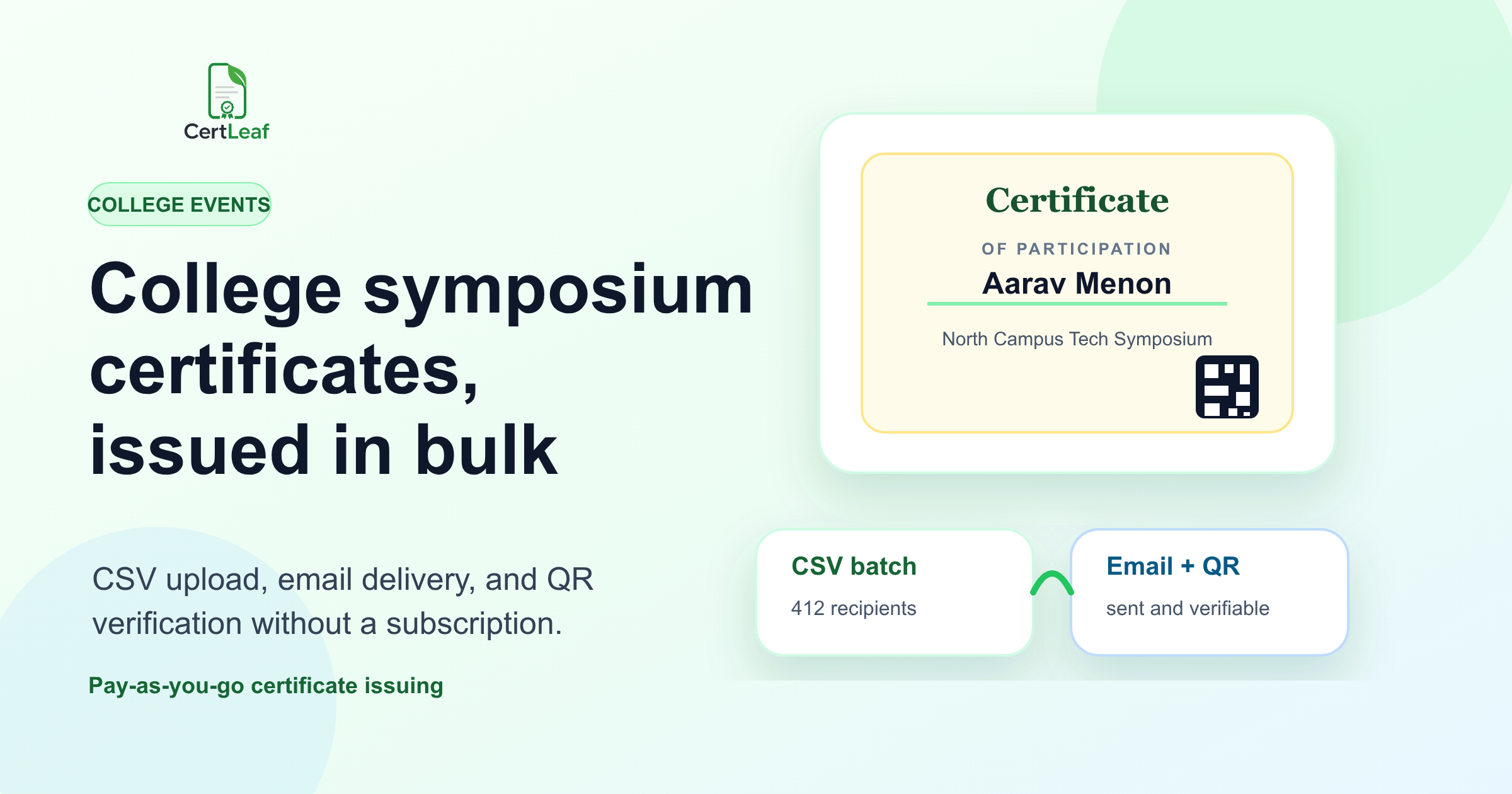
The spreadsheet I remember from a college symposium
By the time the North Campus Tech Symposium ended, the certificate work had already split into five different places.
There was a registration export with 412 names. An attendance sheet from the entry desk. A Google Form for workshop feedback. A WhatsApp thread where three students had sent corrected spellings. Then there was a separate list for volunteers, speakers, quiz winners, and the faculty coordinator who needed her title written properly.
That is the real problem a college symposium certificate generator has to solve. Not just designing one good-looking certificate. The harder part is issuing hundreds of correct PDFs, sending them to the right people, and making sure each certificate can be checked later.
For a small session, manual work may be fine. For a two-day symposium with paper presentations, workshops, coding contests, and guest lectures, the manual approach becomes a follow-up job that nobody wants to own.
Here is the practical way I would handle it now.
| Symposium certificate mess | What usually causes it | What to decide before issuing |
|---|---|---|
| Duplicate participant rows | Registration and attendance lists are merged late | One final source sheet |
| Wrong name spellings | Students enter names differently across forms | A correction deadline |
| Mixed certificate roles | Participants, volunteers, speakers, and winners are in one file | Separate certificate categories |
| Slow email delivery | PDFs are exported and attached manually | Batch email sending |
| Doubts about authenticity | Forwarded PDFs have no verification trail | QR-verifiable certificates |
Start with certificate categories, not the design file
Most symposium teams start with the certificate design because it feels visible. Someone opens Canva or Illustrator, adds the college logo, places the signatures, and shares a preview in the organizing group.
That is useful, but it is not the first decision.
First decide what types of certificates you actually need. A college symposium may need participation certificates for attendees, presentation certificates for paper presenters, appreciation certificates for volunteers, winner certificates for competitions, and guest certificates for speakers or judges.
If those groups are mixed into one spreadsheet too early, the wording becomes messy. A volunteer gets a participation line. A paper presenter gets the wrong event name. A winner certificate misses the prize category.
I would keep the categories boring and separate. One sheet for participation. One for volunteers. One for winners. One for speakers. If the symposium has only one event, keep it simple. If it has eight sub-events, do not pretend one generic certificate will cover everything cleanly.
The design can come after that. Once the category is clear, the certificate text becomes easier to approve.
Build the final participant CSV from the mess you already have
A bulk certificate generator for college symposiums depends on one clean CSV. That sounds basic, but this is where most errors begin.
At the Kochi Student Research Symposium, the registration form had full names, the attendance desk had signatures, and the feedback form had email addresses used for downloading slides. One student attended with a college email but registered with a personal email. Another wrote initials before the name in one form and after the name in another.
That is normal. People are not thinking about certificate generation when they fill a form at 8:55 am.
Before issuing certificates, make one final sheet with only the columns you need. For most symposium batches, these are enough:
nameemailcertificate_typeevent_namesession_or_trackdate
If the certificate text is fixed, you can keep event name and date inside the template instead of repeating them in the CSV. If different tracks need different wording, keep a column for the track or issue separate batches.
I would also add a quick review step before upload. Sort by email. Check blanks. Search for double spaces. Look for names typed in all caps. Confirm that winners are not also sitting in the regular participation batch unless that is intentional.
This is not a fancy process. It is the part that saves you from sending 300 certificates twice.
Use one approved template per certificate type
The certificate template should have enough room for real names, not just the neat sample name used in the design preview.
A long name can break a layout. So can a long symposium title. So can a department name that has to appear in full because the faculty coordinator insists on the official wording.
Before final issuance, test the awkward rows first. Pick the longest name, the longest session title, one winner certificate, and one volunteer certificate. Generate those samples and check the spacing. If the QR code is included, make sure it does not sit too close to the signature or footer.
This is where a reusable certificate template helps. In CertLeaf, you upload the base design, place fields such as name, event, date, role, and QR code once, then reuse that template for a whole CSV batch. The design work remains separate from the issuing work.
That separation matters during symposium season. The student design team can make the certificate look right. The operations person can issue the certificates without reopening the design file for every name.
Send certificates by email instead of making one person attach files
Manual email delivery is where good intentions go to die.
One organizer exports the PDFs, renames them, creates a folder, opens Gmail, writes a common message, attaches the wrong file once, panics, checks every attachment again, and still receives messages the next morning asking, "Sir, I did not get certificate."
For a symposium, batch email delivery should be part of the certificate workflow. The email address already exists in the CSV. The certificate file should be generated and sent from the same issuing process, or at least from a system that maps each recipient to the correct file.
The email itself does not need to be dramatic. Keep it clear:
mention the symposium name
say what certificate is attached or linked
explain how to verify it if QR verification is included
give one correction contact and a deadline
That last point is important. Corrections will still happen. A practical workflow does not pretend the data will be perfect. It just makes correction handling smaller and less chaotic.
Add QR verification when the certificate may be shared later
Not every internal participation certificate needs QR verification. But for college symposiums, it is often worth adding.
Students use certificates for resumes, LinkedIn posts, internship applications, club portfolios, and department records. Winners and paper presenters may share them outside the college. A plain PDF can be forwarded, edited, or separated from its context. A QR-verifiable certificate gives the receiver a way to check the public verification page.
That does not mean you need an enterprise credentialing system. For most college events, the practical need is simpler: each certificate should have a QR code, and scanning it should confirm the recipient and certificate details.
With CertLeaf, a verifiable certificate uses credits, includes a QR code, and links to a verification page. The useful part is not the QR design itself. It is the fact that someone can check the certificate instead of trusting a forwarded PDF blindly.
Where CertLeaf fits in the symposium workflow
CertLeaf is built for the boring operational part after the certificate design is ready.
You prepare the final CSV, choose or create a reusable template, generate certificates in bulk, send them by email, and include QR verification when the certificate needs a public proof trail. It is pay-as-you-go, so a college club or department does not need to buy a subscription just to run certificates for one symposium.
The current offer is also useful for trial runs: new accounts get 20 free credits, and early users can buy credit packs in INR through Razorpay. A simple certificate uses 1 credit. A QR-verifiable certificate uses 2 credits.
I would still keep the workflow disciplined. CertLeaf will not fix a bad spreadsheet automatically. It will make the issuing, emailing, and verification work much cleaner once your list and template are ready.
A simple symposium certificate workflow I would use
For a real college symposium, I would keep the process this plain.
Before the event, decide certificate categories and wording. During the event, collect attendance in a way that maps back to email addresses. After the event, merge the registration, attendance, feedback, and correction data into one final sheet. Then test a few awkward certificates before issuing the full batch.
Once the samples look right, generate the full batch, send the certificates by email, and keep one correction window open. After that window closes, avoid endless reissues unless there is a real mistake from the organizing side.
That may sound strict, but it protects the team. Certificate work expands when there is no boundary. A correction deadline gives students a fair chance to fix mistakes without turning the coordinator into a helpdesk for the next three weeks.
Related certificate workflows
For a common symposium track, manage paper presentation participation and winner certificates.
For repeat symposiums, create a reusable college event certificate template.
FAQ
What is the best certificate generator for a college symposium?
The best fit is a certificate generator that supports bulk CSV upload, reusable templates, email delivery, and QR verification. For symposiums, the key requirement is not only designing a certificate. It is issuing the right certificate to the right participant at scale.
Can we create symposium participation certificates from Excel or CSV?
Yes. The practical method is to prepare a clean spreadsheet with recipient names, email addresses, certificate type, event name, and any changing details. Export it as CSV and use it for bulk certificate generation.
Should college symposium certificates include QR verification?
Use QR verification when certificates may be shared outside the event team, such as for resumes, LinkedIn profiles, internship applications, paper presentation proof, or winner records. It gives recipients and reviewers a way to check the certificate details online.
How do we avoid mistakes in symposium certificates?
Separate certificate categories, use one final source sheet, set a correction deadline, test awkward rows before issuing, and avoid editing PDFs one by one. Most certificate mistakes come from messy data, not from the certificate design.
Can CertLeaf send symposium certificates by email?
Yes. CertLeaf supports bulk certificate issuing from CSV and email distribution. You can also issue QR-verifiable certificates so each recipient gets a certificate that can be checked through a verification page.
The takeaway
A college symposium certificate generator should reduce follow-up work, not create a new process to babysit.
The cleanest approach is simple: decide certificate categories, prepare one final CSV, test the template with difficult rows, issue the certificates in bulk, send them by email, and use QR verification when the certificate needs credibility beyond the event group.
That is the part worth fixing. Not because certificates are glamorous, but because the post-event week is already full enough.


