 CertLeaf
Industrial Visit Certificate Generator for Colleges With QR Verification
A practical workflow for college departments that need to issue industrial visit certificates in bulk, email them to students, and keep each certificate QR-verifiable.
The bus came back before the certificate work started
At 6:40 pm, the final bus reached the college gate. The mechanical department's industrial visit to a manufacturing unit near Hosur was technically over. Students were tired, the faculty coordinator had the attendance sheet in one folder, the company visit confirmation in another, and about 14 WhatsApp messages asking when the certificate would be shared.
The event itself had gone well. Two buses, 86 students, three faculty members, one plant safety briefing, and a short Q&A with the operations team. The messy part came later. One student had registered as "A. Pranav" but wanted "Arjun Pranav" on the certificate. Another had used a friend's email in the Google Form. The visit title in the permission letter was too long to fit neatly on the certificate. Two students were marked present on the bus list but missing from the registration export.
That is why an industrial visit certificate generator for colleges should solve more than design. The certificate needs to look official, but the real work is building the final student list, generating certificates in bulk, emailing them, and making sure each certificate can be checked later with QR verification.
| Record from the visit | What usually goes wrong | What I would do before issuing |
|---|---|---|
| Registration form | Names and emails are entered casually | Use it as the base sheet, not the final sheet |
| Bus attendance | Some students board late or switch buses | Reconcile it with the final attendance |
| Company confirmation | Visit title may be formal and long | Shorten the visible certificate title |
| WhatsApp corrections | Name initials and email changes arrive late | Freeze corrections before bulk generation |
Decide who gets the certificate before opening the template
For an industrial visit, the first decision is eligibility. It sounds obvious, but this is where many departments lose time.
Some colleges issue certificates only to students who physically attended the visit. Some include student coordinators who handled permission forms even if they missed the visit because of an exam. Some issue a separate appreciation certificate for volunteers who managed transport, food, or photography. All of these choices can be reasonable. Mixing them into one spreadsheet is where the confusion starts.
I would write the rule in one line before touching the certificate design: "Industrial visit participation certificates will be issued to students marked present in the final attendance sheet for the Hosur manufacturing plant visit on 3 August 2026." If coordinators need a different certificate, keep a separate sheet and a separate template.
This rule saves awkward replies later. When a student says, "My friend got one, why didn't I?" the department does not have to reopen three files and guess what happened.
Build one final CSV, not five half-correct sheets
The cleanest certificate workflow starts with one final CSV. Not the raw Google Form export. Not the bus-wise attendance photo. Not the placement cell list copied from last semester. One checked file that contains exactly what should appear on the certificate and where it should be sent.
For an industrial visit certificate, the final CSV usually needs columns like studentname, email, department, collegename, visittitle, companyname, location, visitdate, and certificatetype if some rows are for student coordinators.
I like testing the awkward rows first. Pick the longest student name. Pick the longest company name. Pick the row with initials. Pick the visit title that wraps badly. If those rows fit the template, the normal rows usually behave.
One small detail matters: do not copy the full permission-letter title into the certificate if it makes the design crowded. "Industrial Visit to ABC Manufacturing Pvt Ltd, Hosur" may work better than "One Day Industrial Exposure Visit to ABC Manufacturing Private Limited for Third Year Mechanical Engineering Students Under Industry Institute Interaction Cell". The second title belongs in an internal report, not necessarily on the certificate.
QR verification is useful because these certificates leave the campus
Industrial visit certificates often get used months after the trip. Students attach them to internship applications, placement portfolios, LinkedIn posts, department records, and sometimes scholarship or higher education files. A plain PDF can be forwarded, renamed, cropped, or edited after it leaves the original email thread.
QR verification gives the certificate a second layer of confidence. A recruiter, faculty member, or admin office can scan the QR code and reach a public verification page for that certificate. They do not have to call the department office just to ask whether a PDF is real.
This matters more when the visit involves an external organization. The certificate carries the name of the college and the host company. If students share it outside campus, verification helps protect the credibility of both.
Email delivery should not become a second event
The most tiring certificate work often happens after dinner. Someone exports PDFs, opens Gmail, attaches files one by one, writes names into email drafts, and then tracks who replied with "not received".
For a class of 40, this is annoying. For 120 students across two departments, it becomes a small administrative project. Most errors are predictable: wrong email, duplicate rows, missing initials, students who joined from a different email, and certificates generated before the final correction deadline.
Before sending industrial visit certificates, I would check only the things that actually cause follow-up:
duplicate student names with different emails
blank or personal emails that look mistyped
rows where the company name or visit date differs
students listed in registration but absent in final attendance
very long names or titles that may break the certificate layout
After that, the sending itself should be boring. Upload the final CSV, generate the certificates, and send them in one batch.
Where CertLeaf fits
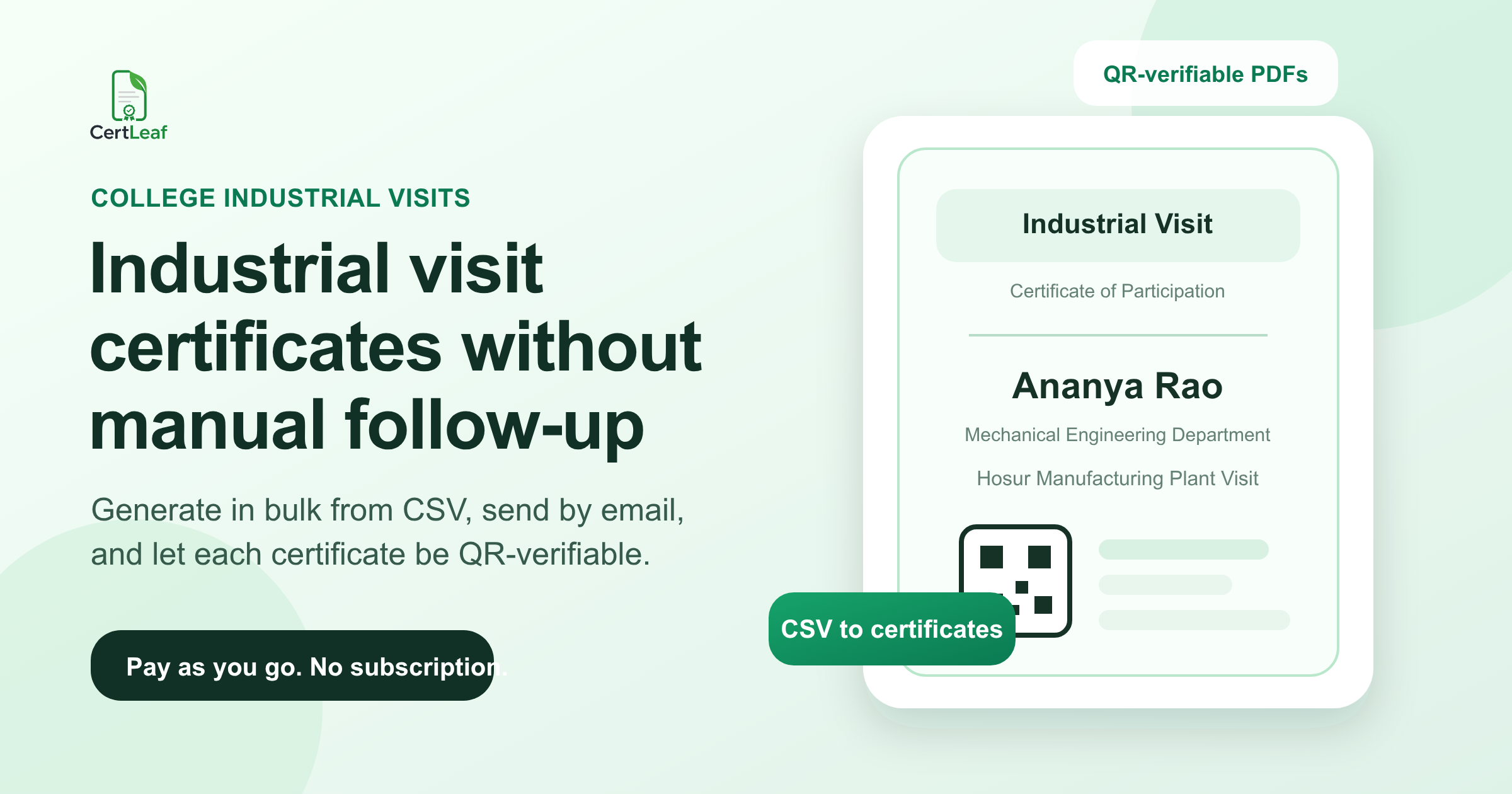
CertLeaf is built for this certificate follow-up work. A college department can create a reusable industrial visit certificate template, upload the final CSV, generate certificates in bulk, email them to students, and include QR verification on each certificate.
The pay-as-you-go model is useful for colleges because certificate work is uneven. A department may issue 86 industrial visit certificates in August, 140 workshop certificates in September, and then nothing for a few weeks. CertLeaf lets teams buy credits without taking a subscription, which fits event-based issuing better than a monthly tool that sits unused between events.
The product does not decide who deserves the certificate. The department still owns that judgment. CertLeaf just handles the repetitive part after the final list is ready: bulk generation, email delivery, and verification.
A practical workflow for the next industrial visit
If I were planning the next visit, I would set up the certificate process before the bus leaves campus.
The registration form should collect the exact certificate name and email. The attendance sheet should use the same roll numbers or student IDs as the registration form. The coordinator should announce a correction deadline, maybe 24 hours after the visit, and then freeze the list. After that, only genuine department-side mistakes should be changed.
Then build the final CSV. Test five difficult rows in the certificate template. Generate the batch. Send certificates by email. Keep the QR verification active so future checks do not come back to the faculty coordinator's phone.
This is not a complicated system. It is just a cleaner order of work. Decide the rule, clean the list, test the layout, issue once.
Related certificate workflows
Before issuing the visit certificates, clean the certificate recipient CSV.
For a consistent department workflow, use a reusable college event certificate template.
FAQ
What is an industrial visit certificate generator?
An industrial visit certificate generator is a tool that helps colleges create certificates for students who attended an industry visit. A useful generator should support bulk issuing from a CSV, certificate templates, email delivery, and QR verification so the department does not have to create and send each PDF manually.
Can colleges generate industrial visit certificates in bulk?
Yes. Colleges can prepare a final CSV with student names, emails, department details, visit date, company name, and other fields, then use a bulk certificate generator to create certificates for all eligible students in one batch.
Why add QR verification to industrial visit certificates?
QR verification helps someone check whether a certificate is genuine after the PDF has been shared outside campus. This is useful for placement files, internships, department records, and external checks involving the host company or college.
How should a department prepare the certificate data?
Use registration data as a starting point, reconcile it with final attendance, apply one clear eligibility rule, fix name and email corrections, and create one final CSV. Avoid generating certificates from multiple half-updated sheets.
Can CertLeaf send industrial visit certificates by email?
Yes. CertLeaf supports bulk certificate generation from CSV and email delivery. Colleges can generate certificates, send them to students, and add QR verification without taking a subscription.
The small habit that prevents most certificate follow-up
The best certificate workflow is not dramatic. It is a small habit: do not start issuing until the final list is truly final.
Industrial visits already involve permissions, transport, attendance, faculty coordination, and host-company communication. Certificates should not create another round of manual work. If the department keeps one clean CSV and uses a tool built for bulk issuing, the certificate part becomes what it should have been from the start: a final step, not a second event.


