 CertLeaf
Student Induction Certificate Generator With QR Verification for Colleges
A practical article for college coordinators who need to issue student induction certificates in bulk, send them by email, and keep each certificate easy to verify with a QR code.
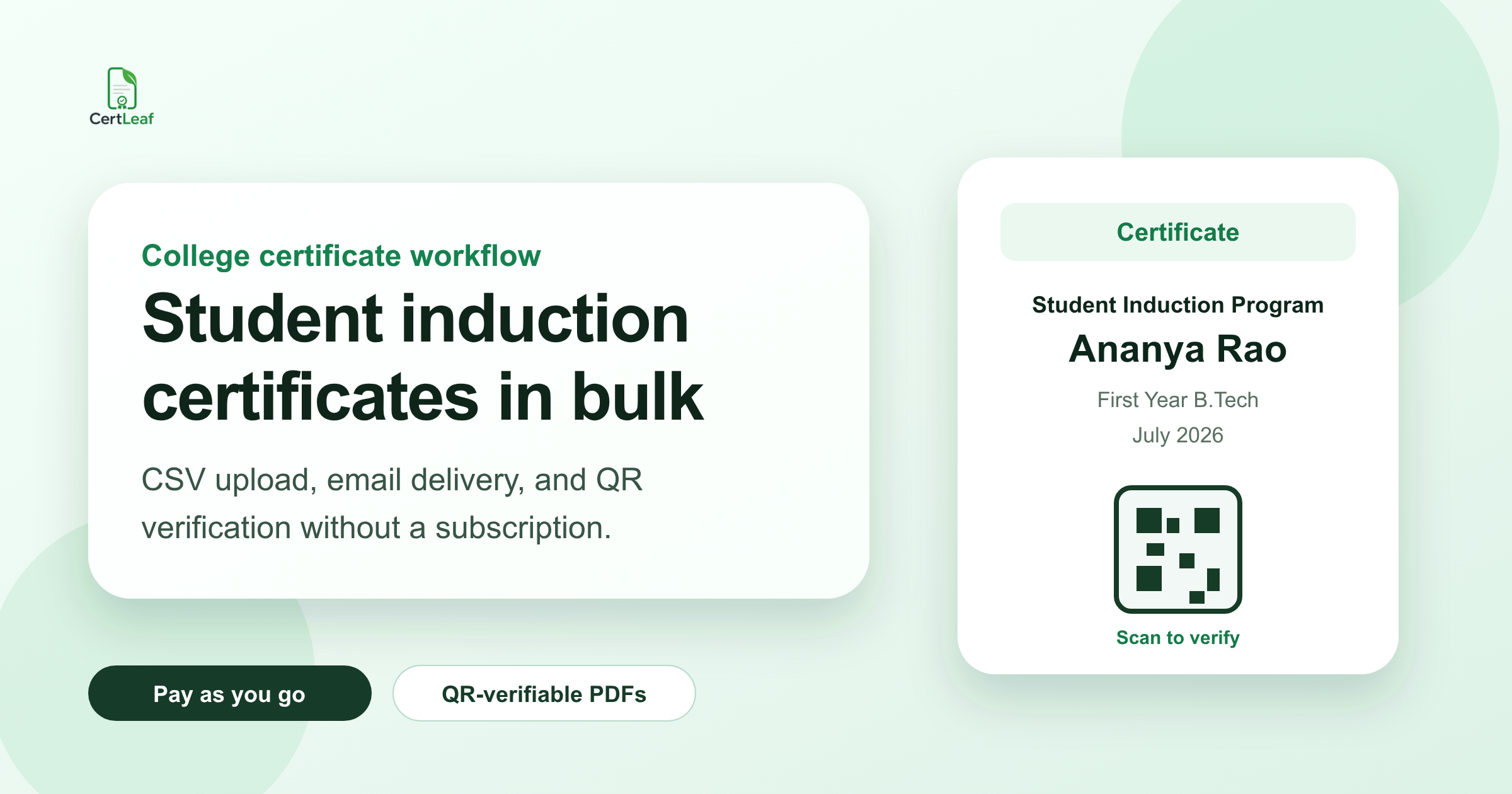
The induction program ended, but the certificate work was still waiting
At 6:20 pm, the auditorium was almost empty. The first-year students had left after the campus tour, the department photos were already on WhatsApp, and the faculty coordinator for the induction program was still sitting with three open files: the registration sheet, the attendance export, and a Google Form response sheet.
This was for a five-day student induction program at a college in Pune. Around 480 students had registered. Around 430 had attended at least four days. A few students had changed sections during the week. Some had used their parents' email addresses during registration. One name had three different spellings across three forms.
The certificate design was not the hard part. The real work was deciding who should receive a certificate, generating the PDFs without mistakes, sending them to the right email IDs, and making sure the certificates could be checked later when students used them for clubs, resumes, or LinkedIn posts.
That is the job a student induction certificate generator should handle. Not just making a nice certificate, but turning the final student list into certificates that can be issued, emailed, and verified without another long evening of manual follow-up.
| What the coordinator had | What went wrong | What helped |
|---|---|---|
| Registration sheet | Students used mixed email IDs | Keep email as a separate checked column |
| Attendance sheet | Duplicate rows from different days | Decide eligibility before generating |
| Feedback form | Names did not match attendance | Use one final certificate CSV |
| Certificate template | Long department names broke the layout | Test awkward rows first |
Decide the certificate rule before cleaning the spreadsheet
For college induction programs, the messy question is usually not "Can we make certificates?" It is "Who exactly should get one?"
Some colleges issue certificates to every registered student. Some issue them only to students who attended all days. Some require attendance plus feedback. A department-level induction may include a quiz, while a central college induction may only need verified attendance.
I would not start with the design. I would start with a short rule written in plain language:
students must attend at least four out of five sessions
students must submit the feedback form
the final certificate name must match the college record
the email column must be checked before sending
That rule becomes the filter for the final CSV. It also gives the coordinator a fair answer when someone messages later asking why they did not receive a certificate.
The worst version of this work is generating certificates from the registration list first, then trying to correct eligibility later. That creates more confusion than it saves.
Build one final CSV instead of trusting every export
Most induction programs collect data in pieces. Registration happens before the event. Attendance may be taken day by day. Feedback happens at the end. Corrections come on WhatsApp after someone notices a spelling issue.
Do not upload all of that raw data into a certificate tool.
Create one final CSV for certificate issuing. Keep only the fields that matter for the certificate and email delivery. For a student induction certificate, that usually means:
student_name
email
department
program_name
college_name
date_range
certificate_type, if there are different tracks
Then check the rows that are most likely to fail: very long student names, names with initials, department names that wrap badly, duplicate emails, blank emails, and students who appear twice because they changed section.
One coordinator I spoke with had a row where the student name was entered as "A. S. Mohammed Riyas (Mechanical - Section B)" because someone had copied it from a WhatsApp message. If that goes straight into the certificate name field, the PDF looks careless. These small checks matter because certificates are usually shared outside the college.
Use a reusable college induction certificate template
A student induction certificate should not be redesigned from scratch every year.
Keep the base design stable: college name, department or program branding, signature area, date, and certificate title. Make the student-specific fields editable. The usual variable fields are the student's name, department, program name, date range, certificate ID, and QR code.
Before generating the full batch, test the template with three awkward rows:
the longest student name
the longest department or program name
a name with initials or punctuation
If those three certificates look clean, the rest of the batch is usually safe. If they look crowded, fix the template before issuing. It is much easier to adjust one template than to explain 430 badly wrapped certificates after they have already been emailed.
Why QR verification matters for student induction certificates
A college induction certificate is often simple, but students still use it as proof. They may add it to a portfolio, upload it to LinkedIn, attach it to a club application, or include it in a first-year activity record.
A normal PDF can be forwarded, edited, renamed, or copied. A QR-verifiable certificate gives the certificate a public verification page. When someone scans the QR code, they can check the certificate details instead of trusting a loose file.
This is especially useful when the certificate leaves the college's email thread. A placement cell volunteer, club secretary, or external workshop organizer can scan the QR code and see whether the certificate belongs to the student.
You do not need to make every small internal document verifiable. But for student-facing certificates that will be shared later, QR verification is worth adding from the beginning.
Email delivery is part of the certificate workflow
Many certificate delays happen after the PDFs are ready.
Someone downloads all files. Someone renames them. Someone attaches them manually. A few emails bounce. A few students reply that the certificate went to the wrong address. Then the coordinator has to search the folder, resend the file, and keep track of who received what.
For a 40-student workshop, manual email may be manageable. For a college induction program with hundreds of students, it becomes the slowest part of the process.
The better workflow is to treat email as part of issuing. Once the final CSV is ready and the template is tested, certificates should be generated in bulk and sent to the email address in the same row. That keeps the certificate, recipient, and delivery record tied together.
Where CertLeaf fits
CertLeaf is built for this kind of certificate follow-up work: upload a CSV, use a reusable certificate template, generate certificates in bulk, send them by email, and add QR verification when the certificate should be easy to check later.
For a student induction program, the practical flow looks like this:
Prepare the final eligible student CSV.
Create or reuse the induction certificate template.
Map fields such as student name, department, date range, and QR code.
Generate the full batch.
Email certificates to students from the uploaded list.
CertLeaf uses pay-as-you-go credits, so a college club or department can issue certificates for an event without committing to a monthly subscription. New accounts also get free signup credits, which is useful for testing the workflow with a small sample before buying credits for the full batch.
The point is not to replace the college's event process. It is to remove the repetitive certificate part that usually lands on one coordinator after the program is already over.
A practical workflow for the next induction program
The next time I had to manage student induction certificates, I would set up the certificate work before the first session starts.
First, decide the eligibility rule and share it with students. Then keep registration, attendance, and feedback linked by email ID or student roll number. After the program ends, create one final certificate CSV instead of copying from multiple sheets. Test the certificate template with awkward rows. Only then generate and send the full batch.
This order feels slower at the start, but it prevents the worst follow-up work: correcting names one by one, resending missing certificates, and explaining why a certificate cannot be verified.
A good student induction certificate generator should make that process boring. Boring is good here. It means the certificates went out, the students received them, and nobody had to spend another evening attaching PDFs manually.
Related certificate workflows
For a consistent campus system, reuse one college certificate template across student events.
For verification planning, understand what QR certificate verification should confirm.
FAQ
What is a student induction certificate generator?
A student induction certificate generator is a tool that helps colleges create certificates for students who complete an induction or orientation program. A useful one should support bulk generation from a CSV, reusable templates, email delivery, and QR verification when certificates need to be checked later.
Can colleges generate induction certificates in bulk?
Yes. Colleges can prepare a final CSV of eligible students, map the columns to a certificate template, and generate all certificates in one batch. This is safer than editing and exporting each certificate manually.
Should student induction certificates include a QR code?
A QR code is useful when students may share the certificate outside the college. It lets someone scan the certificate and open a verification page instead of relying only on a PDF file.
What details should be included in a college induction certificate CSV?
The CSV usually needs student name, email, department, program name, college name, date range, and any certificate-specific field you want printed. Keep the file simple and check spelling before generating the batch.
Can CertLeaf send student certificates by email?
Yes. CertLeaf can generate certificates in bulk from a CSV and send them by email to the recipients listed in the file. It can also create QR-verifiable certificates when verification is needed.


