CertLeaf
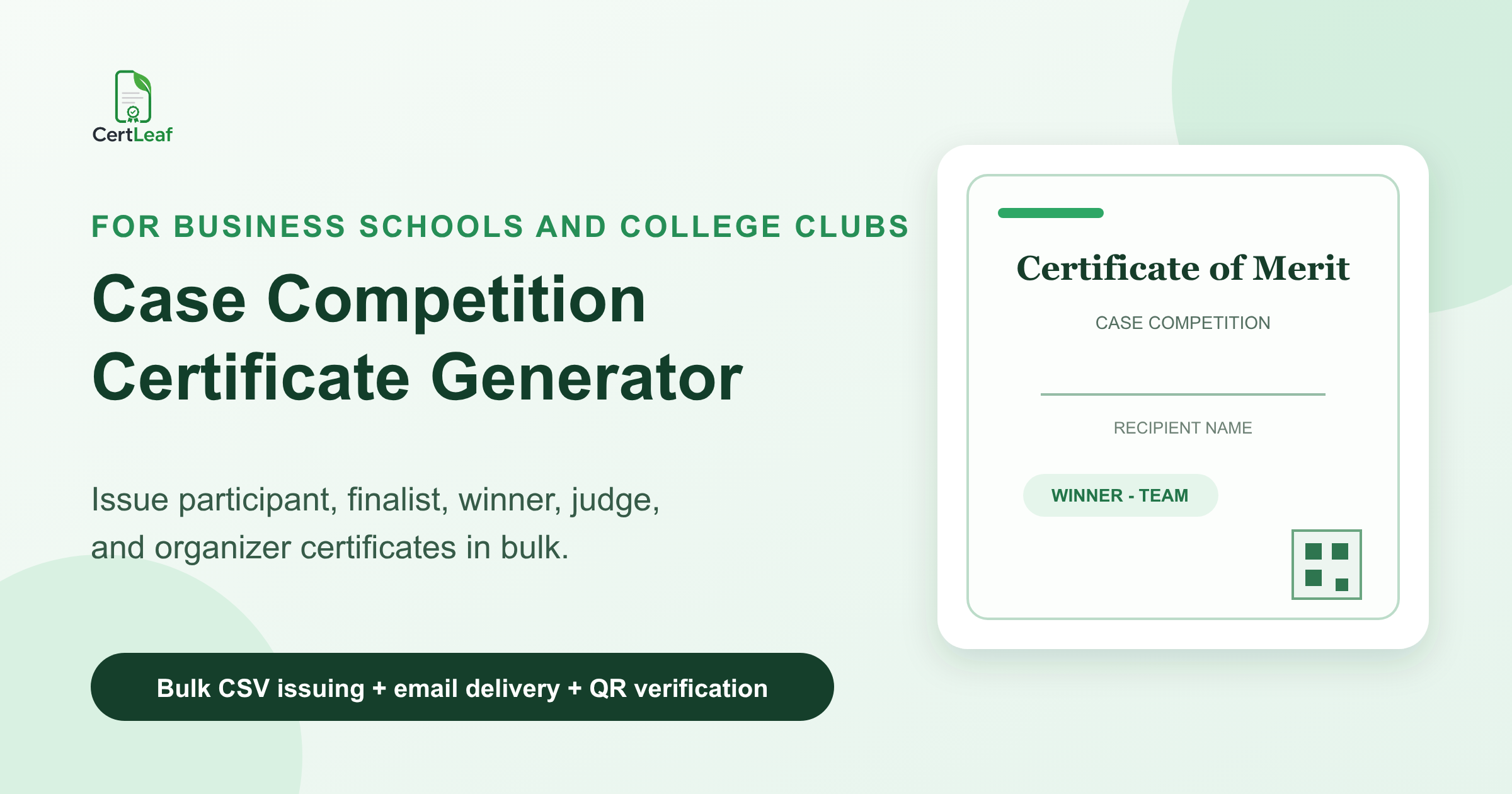
Case Competition Certificate Generator for Business Schools and College Clubs
Issue participant, finalist, winner, judge, mentor, and organizer certificates for case competitions with reusable templates, bulk CSV issuing, email delivery, and optional QR verification.
A case competition needs more than a good-looking certificate file. Business schools and college clubs usually have teams moving through preliminaries, shortlists, presentations, and a final result. They may also need separate recognition for judges, mentors, volunteers, and the organizing committee.
CertLeaf gives that event a dedicated certificate issuing layer. Organizers can prepare reusable certificate templates, upload approved recipient data by CSV, issue the full batch, send certificates by email, and add QR verification when participants may share the certificate outside the event.
That is a better fit than manually copying names into a design tool after every round. The competition committee still owns registration, judging, scoring, and result approval. CertLeaf handles what comes next: turning the signed-off record into consistent certificates.
Why case competitions need their own certificate setup
A case competition is rarely one undifferentiated participant list. A business strategy event may begin with 80 teams, shortlist 12 submissions, invite six teams to present, and award three places. An inter-college marketing case challenge may also recognize judges, faculty mentors, track leads, and student coordinators.
Those people did different things. Their certificates should say so.
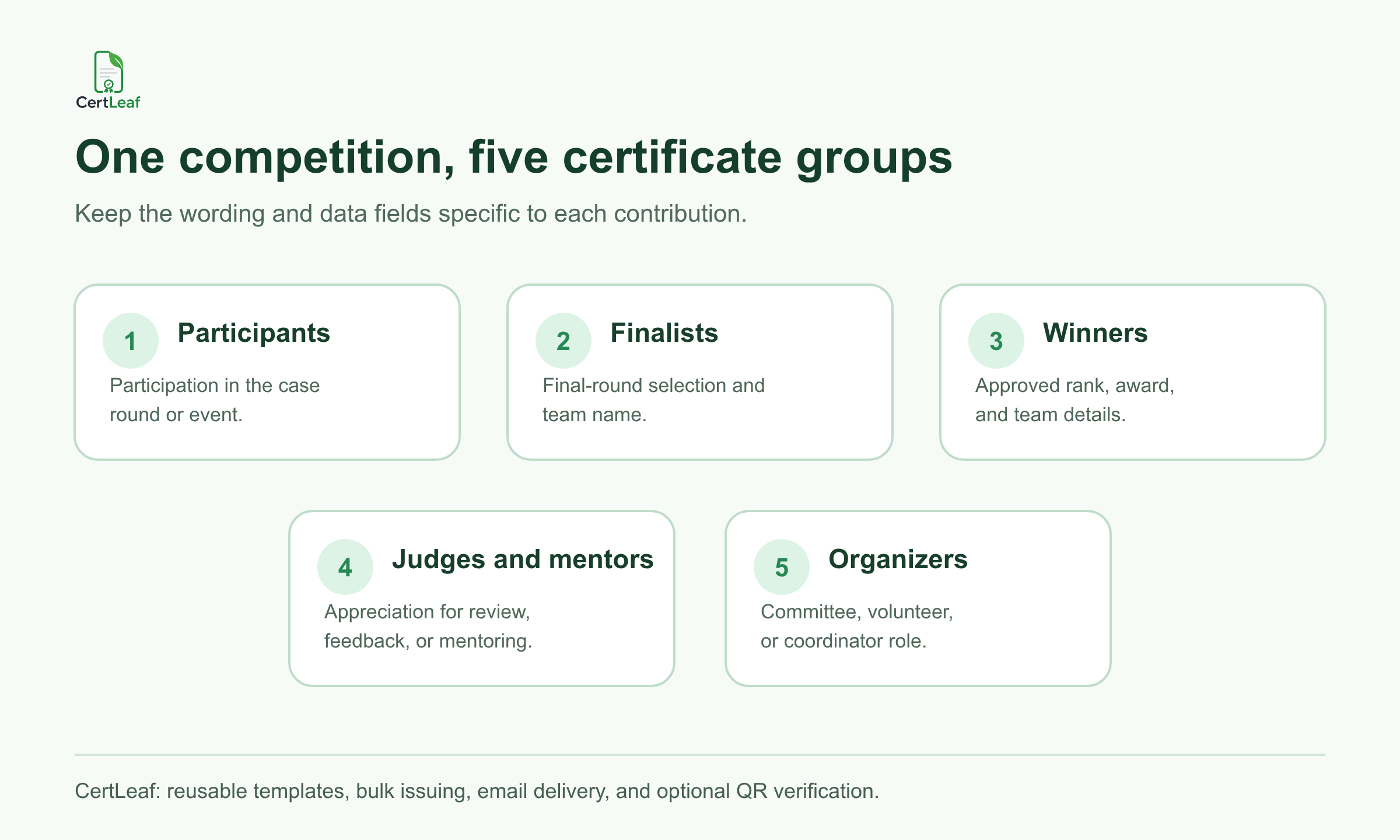
A participation certificate can confirm that a student competed. A finalist certificate can record selection for the presentation round. A winner certificate should include the approved award or rank. A judge certificate recognizes evaluation work, while an organizer certificate records a committee role. Putting every name into one generic "Certificate of Participation" batch loses useful context.
For a case event that sits inside a larger management or cultural festival, the broader college fest certificate guide can help the central committee coordinate certificates across multiple competitions. The case competition team should still keep its own approved categories and result data.
What CertLeaf can issue for a business case competition
CertLeaf can support separate batches or templates for the groups your event actually recognizes:
Participants who submitted or presented a valid entry
Shortlisted teams or finalists
Winners, runners-up, and approved special-award recipients
Judges, panelists, and mentors
Volunteers, track leads, and organizing committee members
The platform does not decide which team progressed or whether a submission met the rules. That decision belongs in the competition's result sheet. Once the committee approves the data, CertLeaf can generate the relevant certificates in bulk and deliver them to the matching email addresses.
A reusable template matters here. The business school, department, or club can keep its logo, event identity, signatory positions, and certificate layout ready for the next edition. Dynamic fields can supply the recipient name, team name, case track, stage, award, event date, and certificate type.
**Running a case competition soon? Sign up for CertLeaf and use the 20 free signup credits to test participant, finalist, and winner certificates before the full batch.**
Build certificate categories around the competition record
Start with the language the event can support, not the fanciest title on the design.
For an open preliminary round, "participated in" is usually accurate. A team invited to a live presentation can receive a finalist certificate if the committee has formally recorded that stage. Winner, runner-up, and special-award wording should match the approved result exactly. Judges and mentors normally need appreciation wording rather than participation wording.
This distinction becomes especially important for team entries. The leaderboard may show one team name, but each certificate is issued to a person. The approved record should identify every team member who receives the result, with the same team label, track, and award across those rows.
Decide whether winners also receive participation certificates. Some competitions issue only the highest applicable certificate. Others issue both. Either policy can work, but it should be intentional before the CSV is prepared.
Prepare a case competition recipient CSV
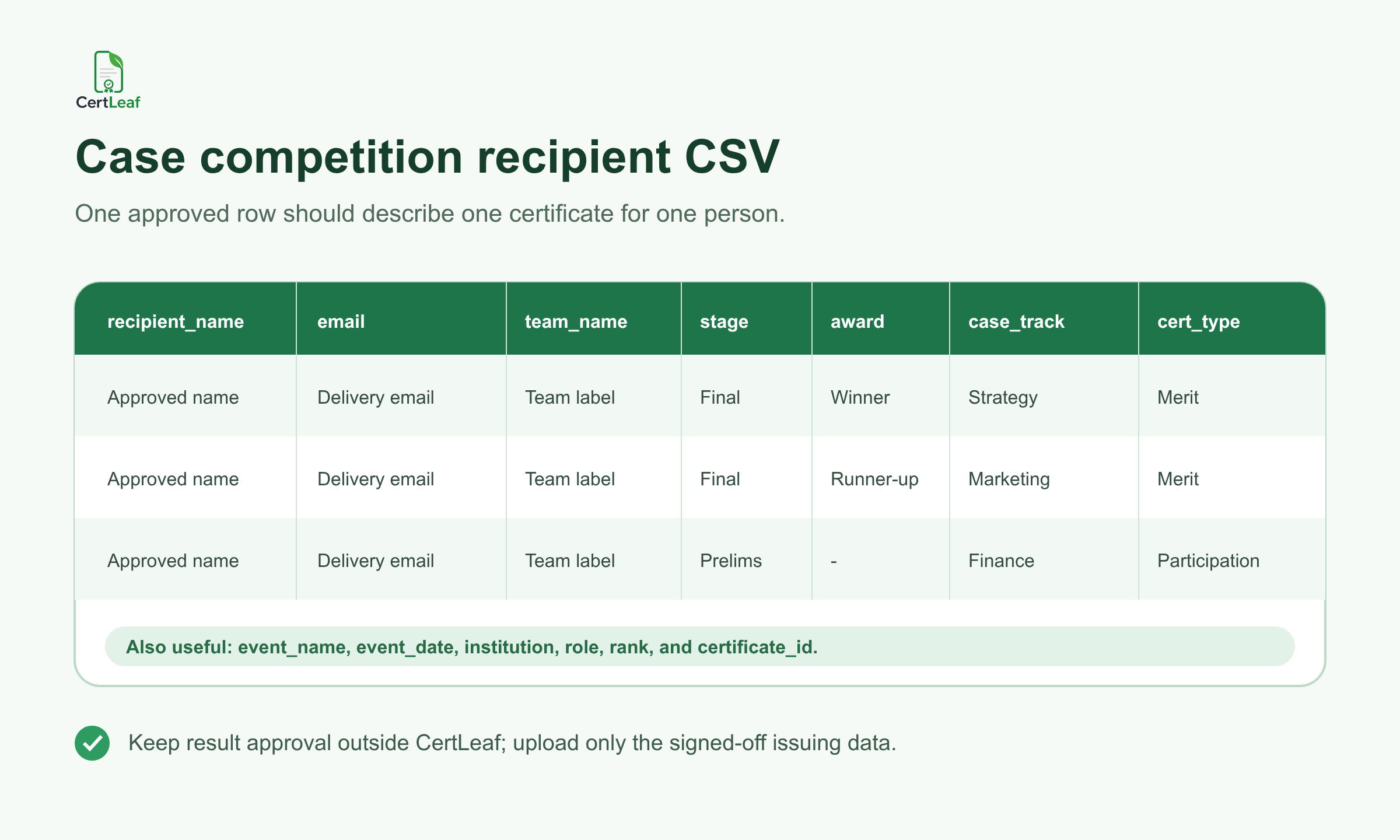
A useful issuing file follows one simple rule: one approved row represents one certificate for one person.
For many business case competitions, these fields are enough:
recipient_name,email,team_name,event_name,case_track,stage,award,role,certificate_type,event_date
Add an institution, department, rank, or certificate ID only when it belongs on the certificate or in the issued record. Keep scores, judge comments, private submission notes, and internal dispute details outside the issuing CSV unless they are genuinely required for the certificate.
The team list deserves a separate check. A captain-only result sheet is not enough if all four team members should receive individual certificates. Match the team code to the final roster, confirm preferred certificate names and email addresses, then apply the approved stage or award to every relevant member.
If several registration, shortlist, and result sheets need to be combined, use the more detailed guide to preparing a certificate recipient CSV without name or email errors. The goal is not to make the spreadsheet complicated. It is to ensure that the batch starts from one signed-off record.
Create templates that can handle long case titles
Case competition certificates often carry more text than a basic attendance certificate. A track might be called "Sustainable Supply Chain Strategy" rather than simply "Strategy." A winning team may have a long name. An inter-college event may need both the host institution and competition series on the page.
Test the layout with the awkward rows first:
The longest recipient name
The longest team name
The longest case track or challenge title
A winner row containing both rank and award
A judge or organizer row with different wording
Do not shrink every field just to make one crowded sample fit. It is often cleaner to use a small family of templates: participation, finalist or merit, and appreciation. CertLeaf lets the organizer reuse those templates across batches instead of rebuilding every certificate from scratch.
A good template should also reserve space for the real QR code if verification is enabled. Avoid putting a decorative or fake QR pattern into the base artwork.
Add QR verification when the certificate will travel
Case competition certificates often appear in student portfolios, internship applications, placement files, and professional profiles. A QR-verifiable certificate gives the viewer a public route to check the issued record rather than relying only on a forwarded PDF.
The verification record should agree with the certificate: recipient, event, certificate type, and achievement where applicable. QR verification does not validate the judging decision or prove that the case submission was original. It confirms that the issuer created a certificate record with those details.
The guide to QR code certificates and public verification explains the difference between a QR graphic and a QR-verifiable issued record.
For an internal classroom exercise, a simple certificate may be enough. For an inter-college final, national competition, or award that students are likely to share, the verification path is more useful.
**Want to see the complete recipient experience? Try CertLeaf with 20 free signup credits and send a test certificate to your own team before issuing the competition batch.**
Send each certificate to the right person
Manual email becomes risky when the folder contains participation, finalist, winner, judge, and organizer PDFs with similar names. The issuing data already contains the recipient email and certificate type, so delivery should follow that record.
Run a small internal test first. Open the email, download the certificate, check the displayed name and category, and scan the QR code if used. Then send the approved batches. If a team member was missed or an address bounces, handle that person in a small follow-up batch instead of reopening the full result list.
Keep the final CSV used for issuing. If a correction is requested, record what changed and reissue only the affected certificate. That gives the next student committee a reliable starting point instead of a folder containing several files called final.
Pay-as-you-go pricing suits annual and occasional competitions
Many business schools and college clubs run one flagship case competition each semester or year. A monthly certificate subscription can be difficult to justify between events.
CertLeaf uses pay-as-you-go credits with no subscription. Organizers can buy credits when the approved batch is ready, pay in INR through Razorpay, and keep reusable templates for the next competition. New accounts receive 20 free signup credits for testing.
If the committee is comparing recurring plans with event-sized purchases, the certificate generator without subscription guide explains when pay-as-you-go issuing is the more practical choice.
Case competition certificate generator FAQ
Can CertLeaf issue certificates for team-based case competitions?
Yes. Prepare one approved row for each team member who should receive a certificate. Use consistent team, track, stage, and award fields across the team, then issue the rows in bulk.
What certificates can a case competition issue?
Common categories include participation, finalist, winner, runner-up, special award, judge, mentor, volunteer, and organizing committee certificates. Use only the categories the competition has approved and can support from its records.
What fields should be in a case competition certificate CSV?
A practical CSV can include recipient_name, email, team_name, event_name, case_track, stage, award, role, certificate_type, and event_date. Add only the fields needed for the certificate, delivery, or issued record.
Can case competition certificates include QR verification?
Yes. CertLeaf can issue QR-verifiable certificates linked to a public verification page. This is useful when students may share finalist or winner certificates in portfolios, applications, or professional profiles.
Does CertLeaf manage case submissions, scoring, or judging?
No. CertLeaf is the certificate issuing, delivery, verification, and management layer. The organizer must approve registration data, team rosters, stages, scores, and results before uploading the issuing CSV.
Is CertLeaf a subscription case competition certificate generator?
No. CertLeaf uses pay-as-you-go credits. Business schools and college clubs can issue an event batch without paying for a recurring monthly subscription.
Give every case competition role the right record
A case competition certificate should preserve the part of the event that matters: who took part, which team reached the final, who won, and who contributed as a judge, mentor, or organizer.
CertLeaf makes that practical at event scale. Build the templates once, upload the approved CSV, issue the different certificate groups, send them by email, and add QR verification where recipients need a checkable record.
Start with a test batch, verify the difficult rows, and keep the final issuing file. The next competition committee will thank you.